AI landscape design visuals for yards, gardens and pools
Kispo helps landscape designers and architects present outdoor work with AI. Turn a SketchUp, Lumion or hand-sketched landscape into a photoreal image, swap the planting style while the layout stays put, and show the garden at dusk or as a short film. It does not draw a planting plan. Try it with 14 credits for $1, no subscription.
Start with 14 credits for $1, no subscription. Plans from $9/month.
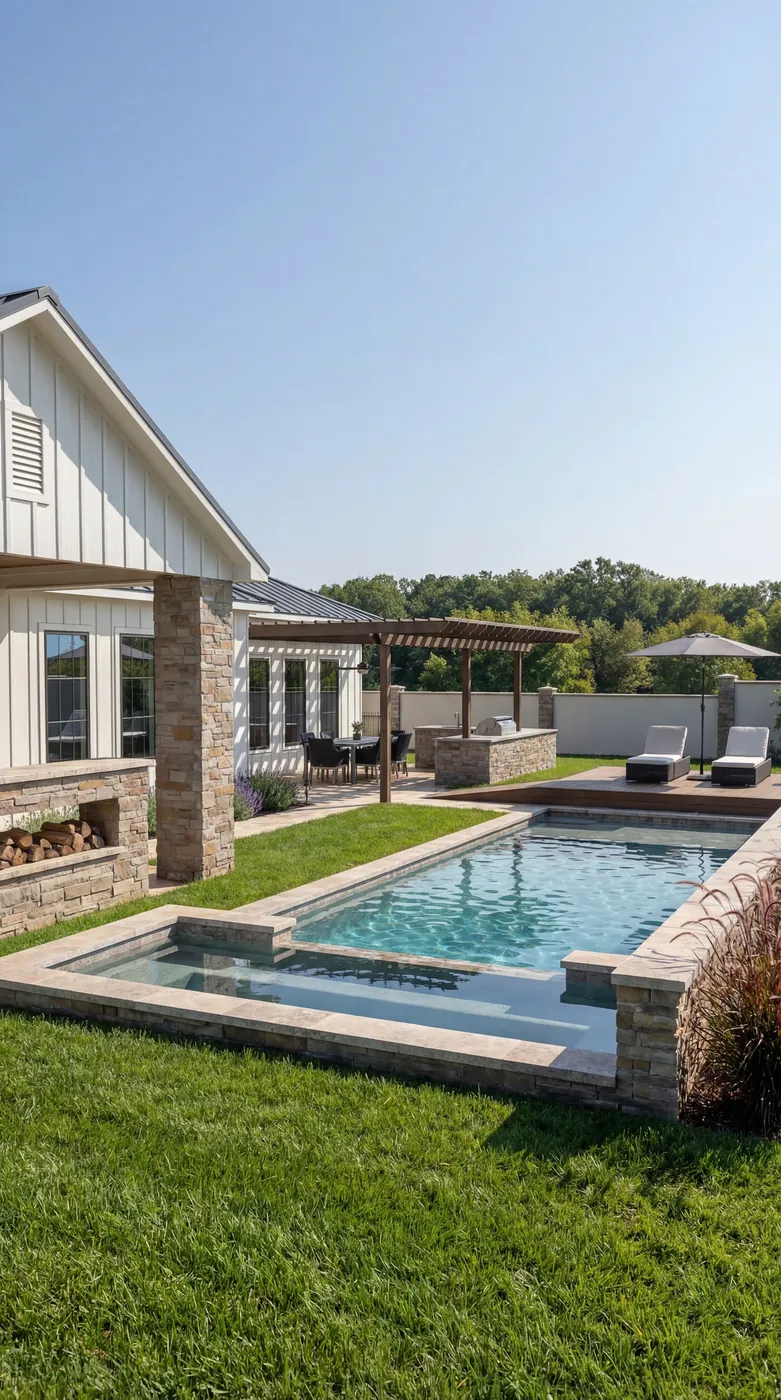 After
After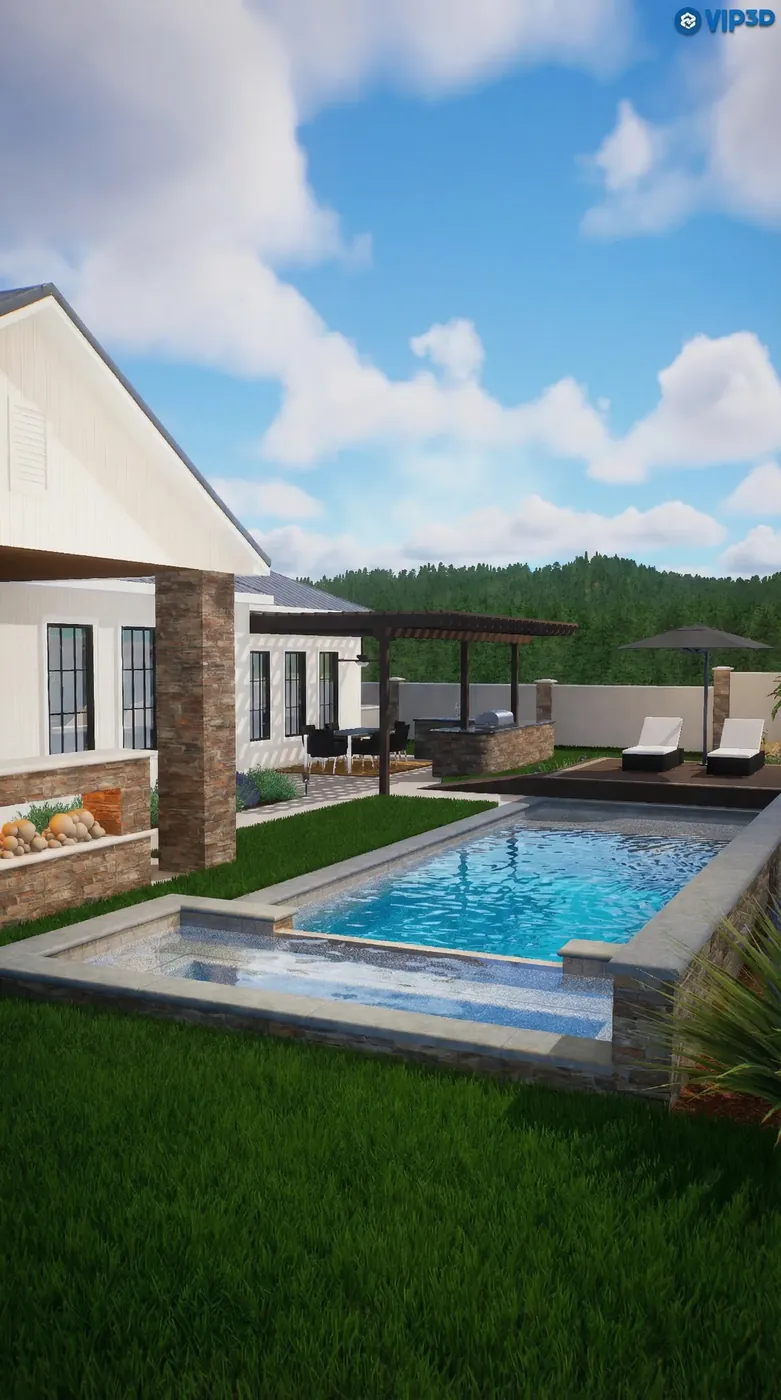 Before
How it works
Three steps, in the browser. Nothing to install.
- 1
Upload the outdoor view
An export from SketchUp, Lumion, Revit or Rhino, a hand sketch, or an exterior image with planting you want to change.
- 2
Choose what to change
Make it photoreal, swap the plants for one of 10 planting styles or your own description, or move the light to golden hour or night.
- 3
Present it
Download the images for the client deck, or turn one render into a short walkthrough film. Credit cost shows before you generate.
Gardens, before and after
Real inputs and the images Kispo tools returned for them.
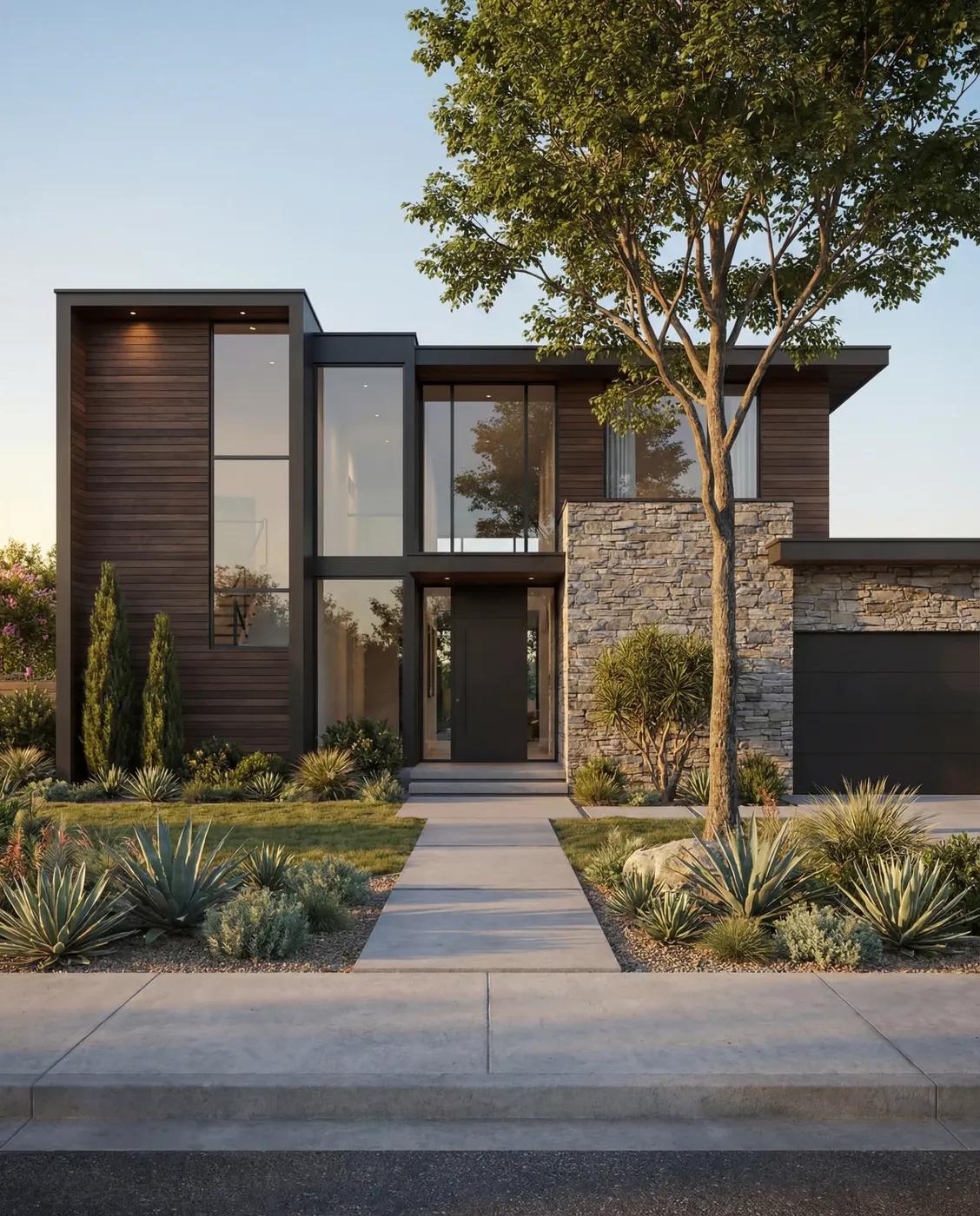 Before
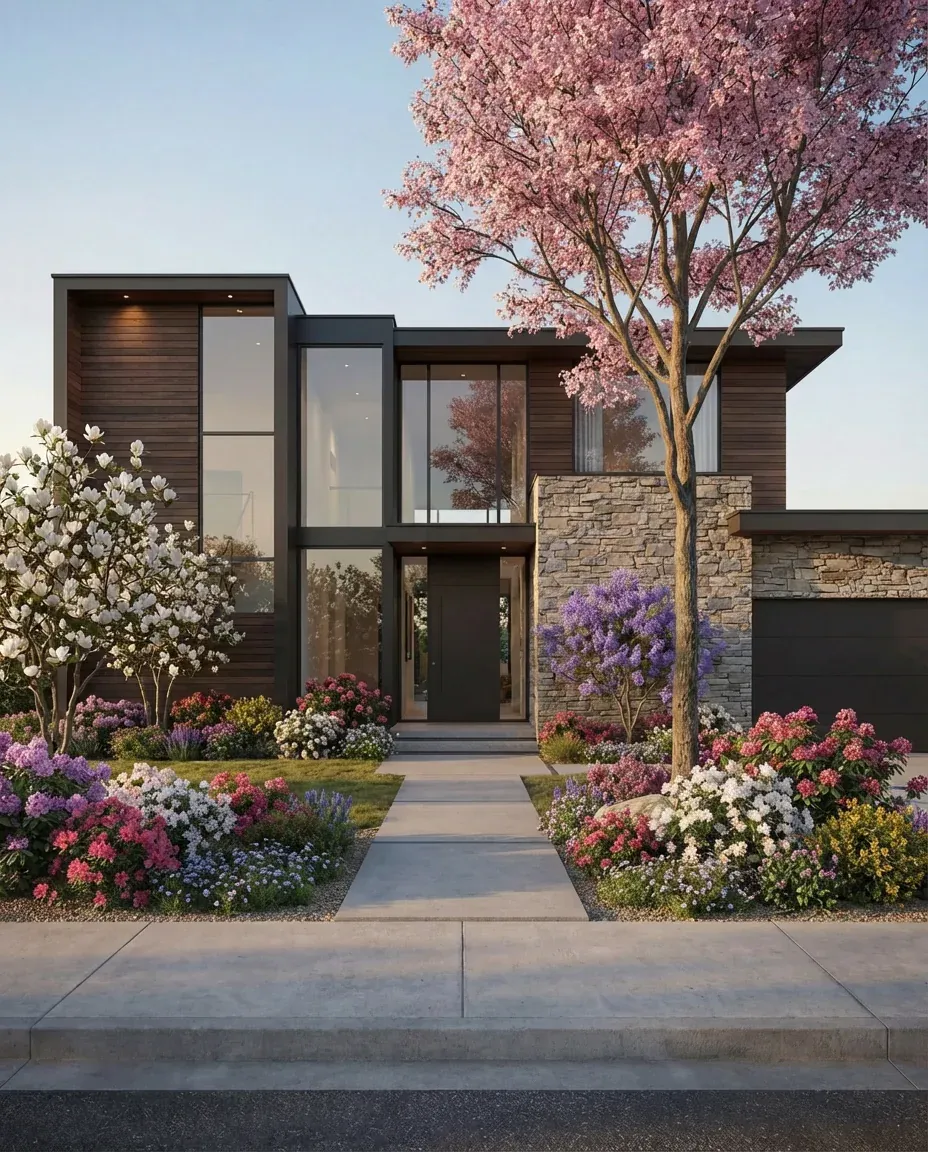 After
After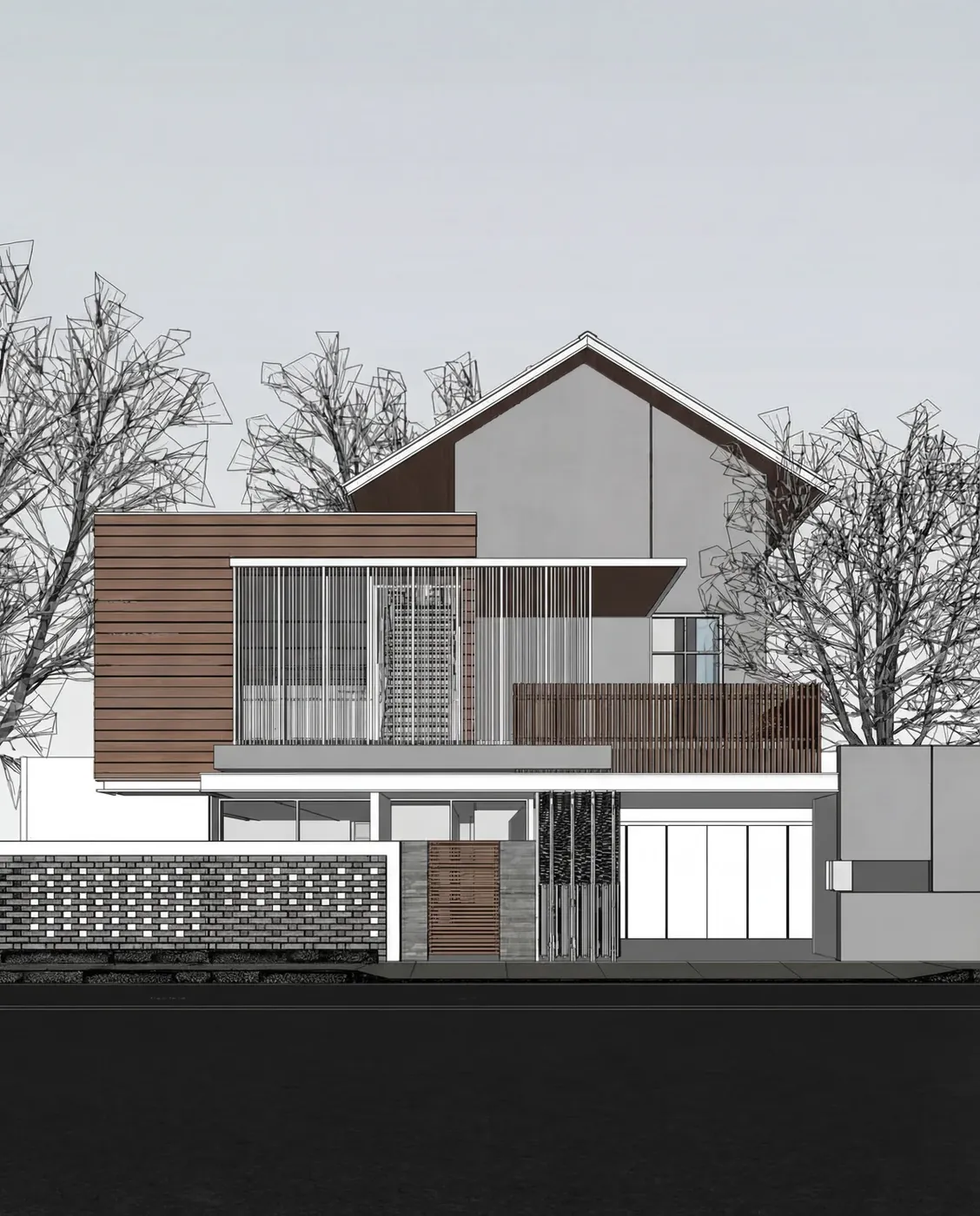 Before
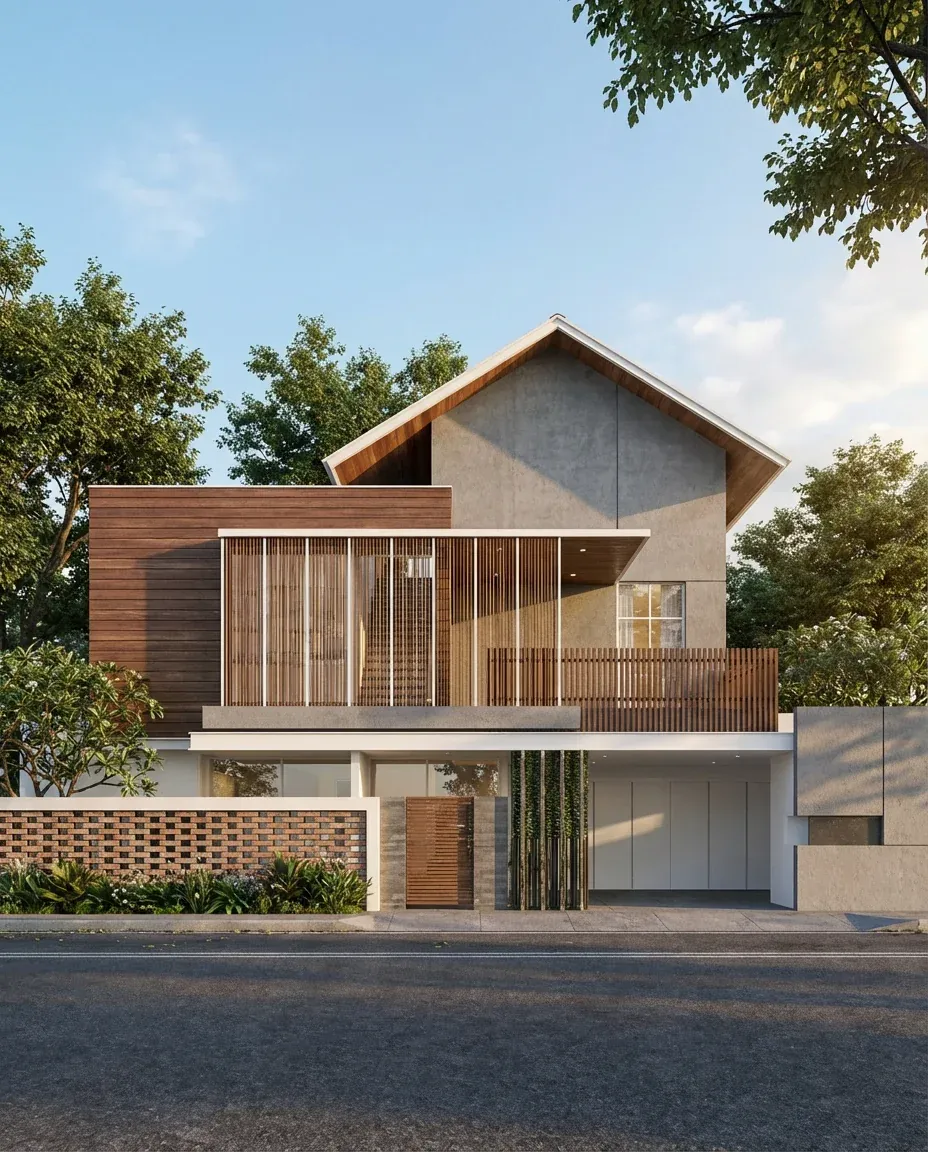 After
After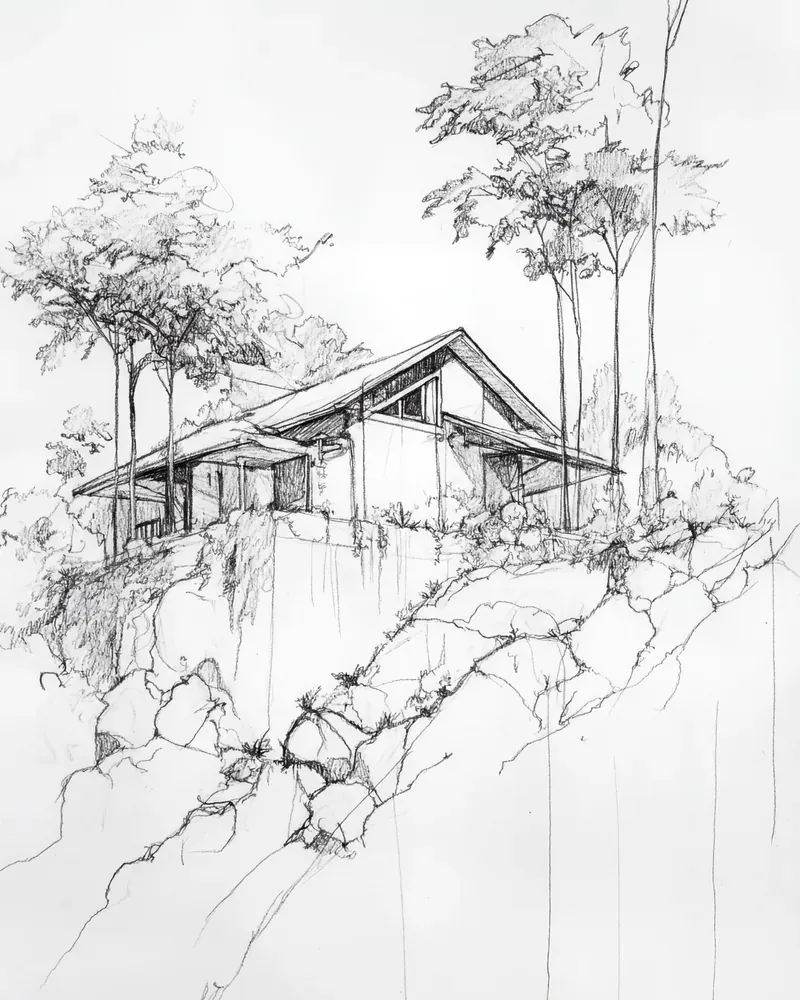 Before
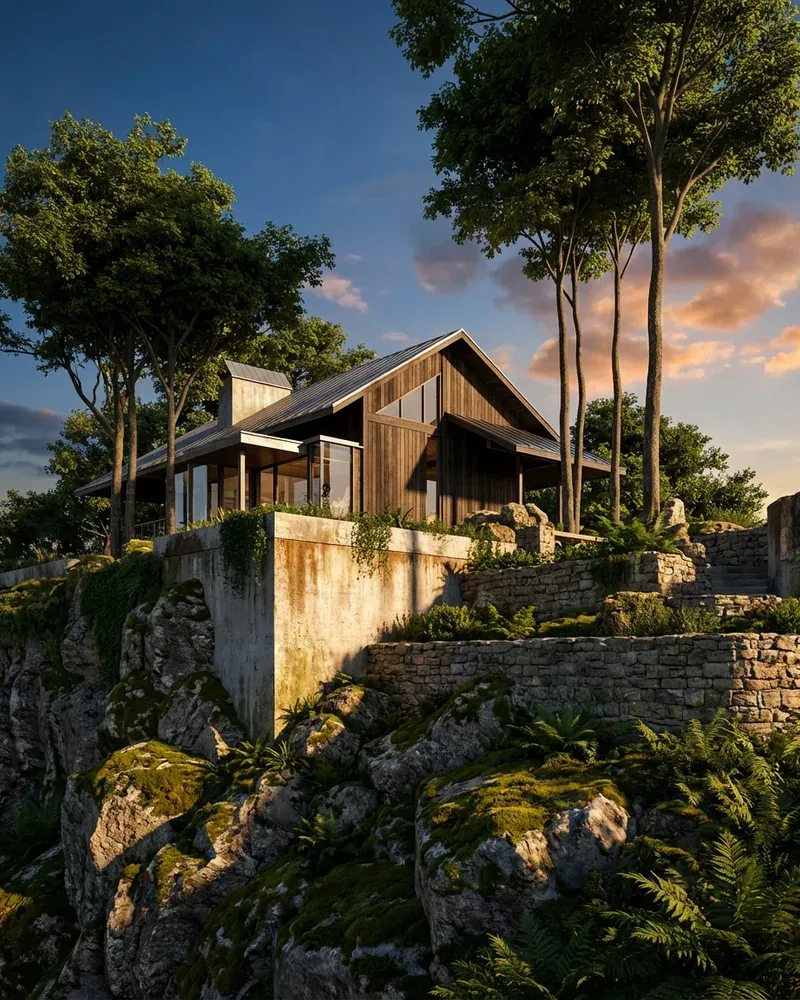 After
After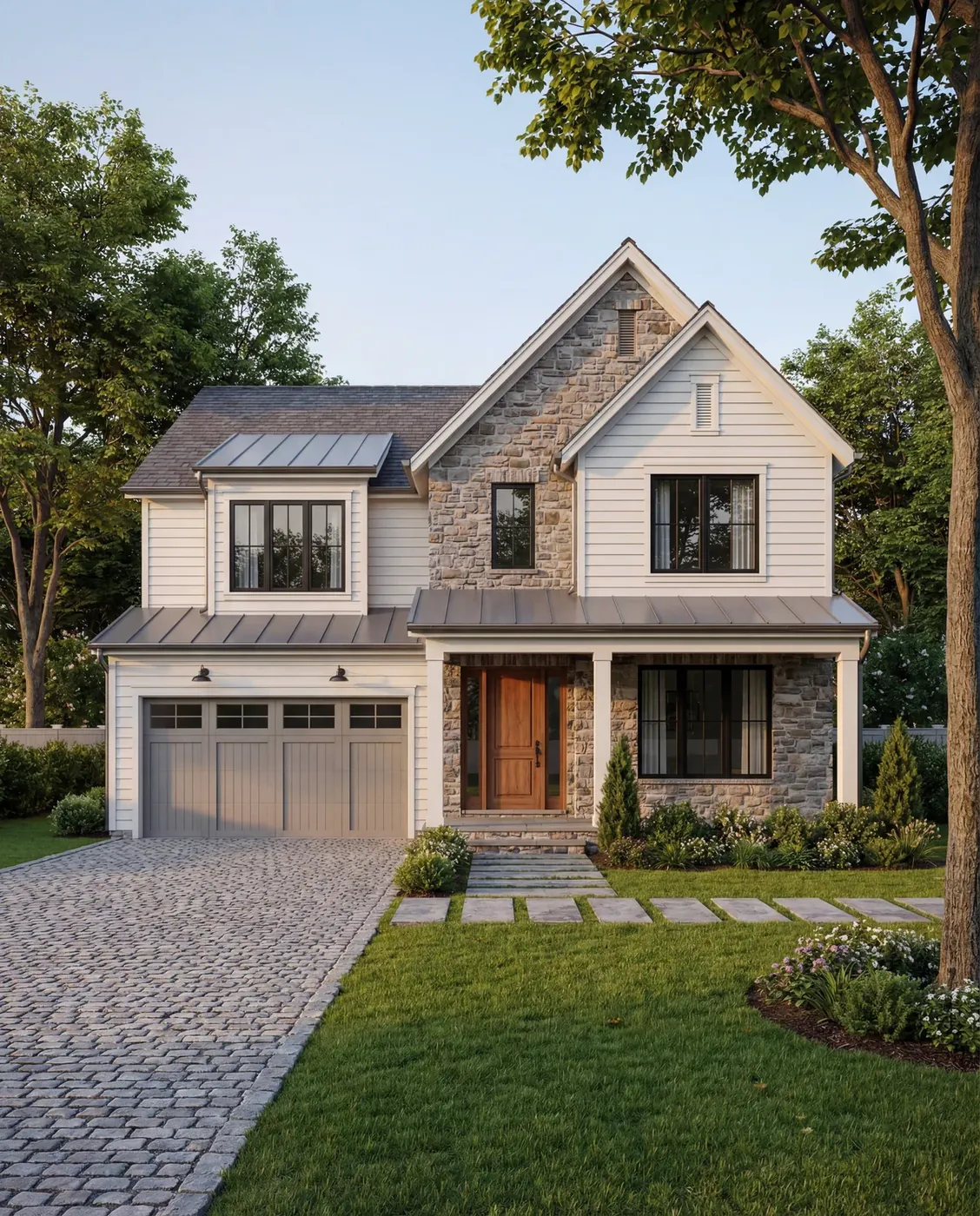 Before
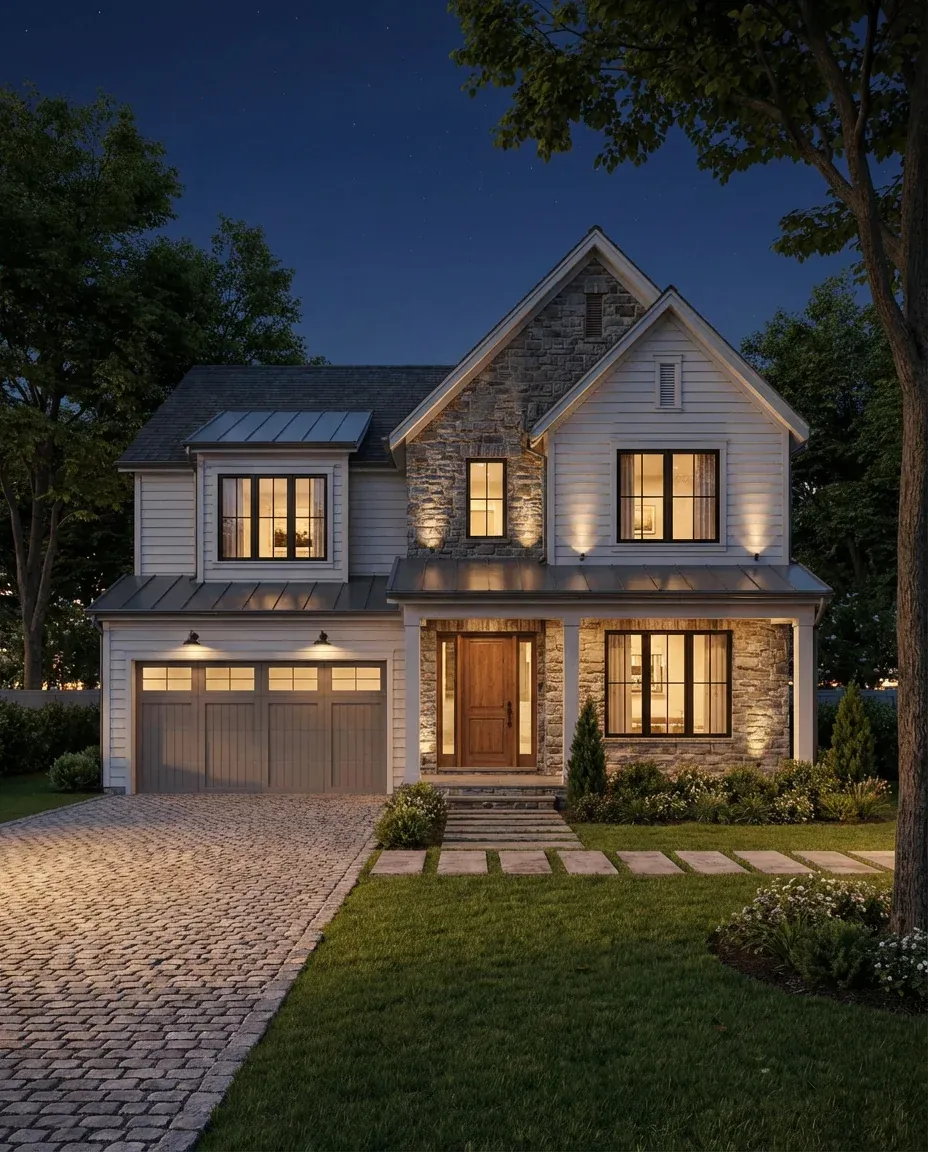 After
AfterThe Kispo tools for landscape work
Single-purpose tools, each with its own page. None of them needs a plugin: they work on images you export or photograph.
Images
Render Enhancer
You upload: a landscape or exterior render from SketchUp, Lumion, Revit or Rhino
You get: a photoreal version with real materials, planting and light
shown before you generate
shown before you generateTry itLandscape Swap
You upload: an exterior render
You get: the same layout with different plant and tree species
from 4 credits ($0.35)
from 4 credits ($0.35)Try itExterior Model Polish
You upload: a 3D model screenshot of the building and site
You get: a photoreal render with landscaping, sky and shadows
from 4 credits ($0.35)
from 4 credits ($0.35)Try itSketch to Life
You upload: a hand-drawn or digital exterior sketch
You get: a photoreal render that follows the sketch
from 4 credits ($0.35)
from 4 credits ($0.35)Try itLight Shift
You upload: an exterior render
You get: the scene at golden hour, sunset, blue hour or night
from 4 credits ($0.35)
from 4 credits ($0.35)Try it
Film
Cinematic Walkthrough
You upload: one exterior render
You get: a short scored film in 9:16 or 16:9, built from that render
shown before you generate
shown before you generateTry itDusk Fall
You upload: a daytime exterior render
You get: a clip of the scene going from day to night
shown before you generate
shown before you generateTry it
Who it is for
- Landscape designers and architects
- Turn the SketchUp or Lumion view you already have into an image a client believes, and show planting options side by side.
- Design-build and installation firms
- Show a homeowner two planting directions for the same beds before anything goes in the ground.
- Architects
- Give a building render a believable site, then show it at dusk for the presentation.
- Agents selling homes with outdoor space
- Twilight exteriors and listing tools live on the real estate page. AI for real estate
What it does not do
Landscape design is more than a picture. Here is where Kispo stops.
- It does not plan your yard. There is no site survey, grading, irrigation or layout tool, and no planting plan or plant schedule.
- Plants are drawn by AI from the style you pick. They are not checked against your hardiness zone, soil or sun, and species may not be botanically exact.
- It works on images, not on your live model. Export a view, upload it, and download the result.
- Layout is kept as closely as the AI can manage. Check paths, edges and hardscape in every image before it goes to a client.
What it costs
Credits are shared across every Kispo tool, so one balance covers photos, plans and video.
| Plan | Per month | Credits |
|---|---|---|
| Starter | $9 | 100 |
| Pro | $29 | 350 |
| Studio | $99 | 1100 |
| Studio Pro | $199 | 2250 |
Plans start at $9/month for 100 credits. One-off packs start at $5 for 50 credits. The Generate button shows the credit cost before anything runs. See full pricing
Questions people ask
Is there a free AI landscape design tool on Kispo?
Not free, but cheap to try. New accounts start with 0 credits, and a one-time $1 trial buys 14 credits with no subscription, which covers about 3 standard images at 4 credits ($0.35) each. Plans start at $9/month for 100 credits.
Can Kispo design my backyard from a photo?
Not from scratch. Kispo does not lay out a garden, choose plants for your site or produce a planting plan. What it does is change and finish landscape images: Landscape Swap changes the plant and tree species in an exterior image while keeping the layout, and Render Enhancer makes a landscape render look like a photograph.
Which planting styles can Landscape Swap use?
Ten built-in styles: tropical palms, evergreen conifers, deciduous trees such as oak and maple, flowering trees such as cherry and magnolia, Mediterranean, desert plants, Japanese garden, English garden, ornamental grasses and autumn foliage. You can also describe your own, for example tall birch trees with lavender.
Does it work with SketchUp, Lumion or Revit?
Yes, through exported images. Render Enhancer accepts renders and screenshots from SketchUp, Lumion, Revit, Rhino and similar software. Kispo is not a plugin and never reads your live model.
Will the plants be the right species for my climate?
Not reliably. The plants are drawn to match a style, not selected for a hardiness zone, and they are not botanically verified. Treat the image as a mood for the planting, and specify real plants separately.
Can I make a video of the garden?
Yes. Cinematic Walkthrough turns one render into a short scored film in vertical or widescreen format, and Dusk Fall makes a clip of the scene going from day to night.
Go deeper
- Land VisionShow a vacant lot with a concept building
- Exterior Model Polish3D model screenshot to photoreal render
- AI room design
- AI for real estate
- AI floor plan generator
- AI house exterior design
Try a new planting palette on your own render
Upload an exterior render, pick a planting style and compare. 14 credits for $1, no subscription covers your first few images.