AI house exterior design: try colors, materials and light on your home
Kispo is an AI house exterior design tool for architects, builders and homeowners. Upload a photo, elevation, sketch or 3D model screenshot, then repaint it in complete color schemes with real paint names, swap siding, brick or stone, or render it photoreal at golden hour or dusk. Try it with 14 credits for $1, no subscription.
Start with 14 credits for $1, no subscription. Plans from $9/month.
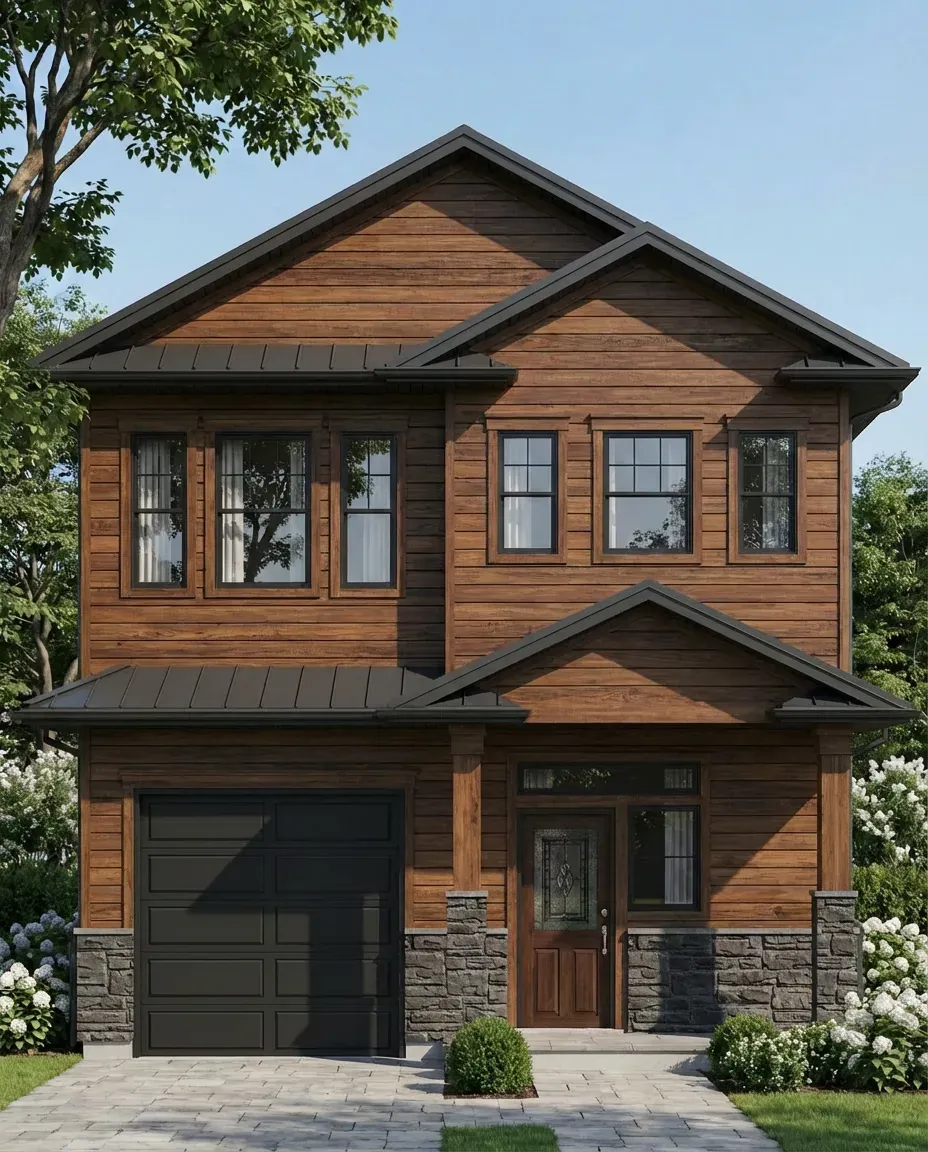 After
After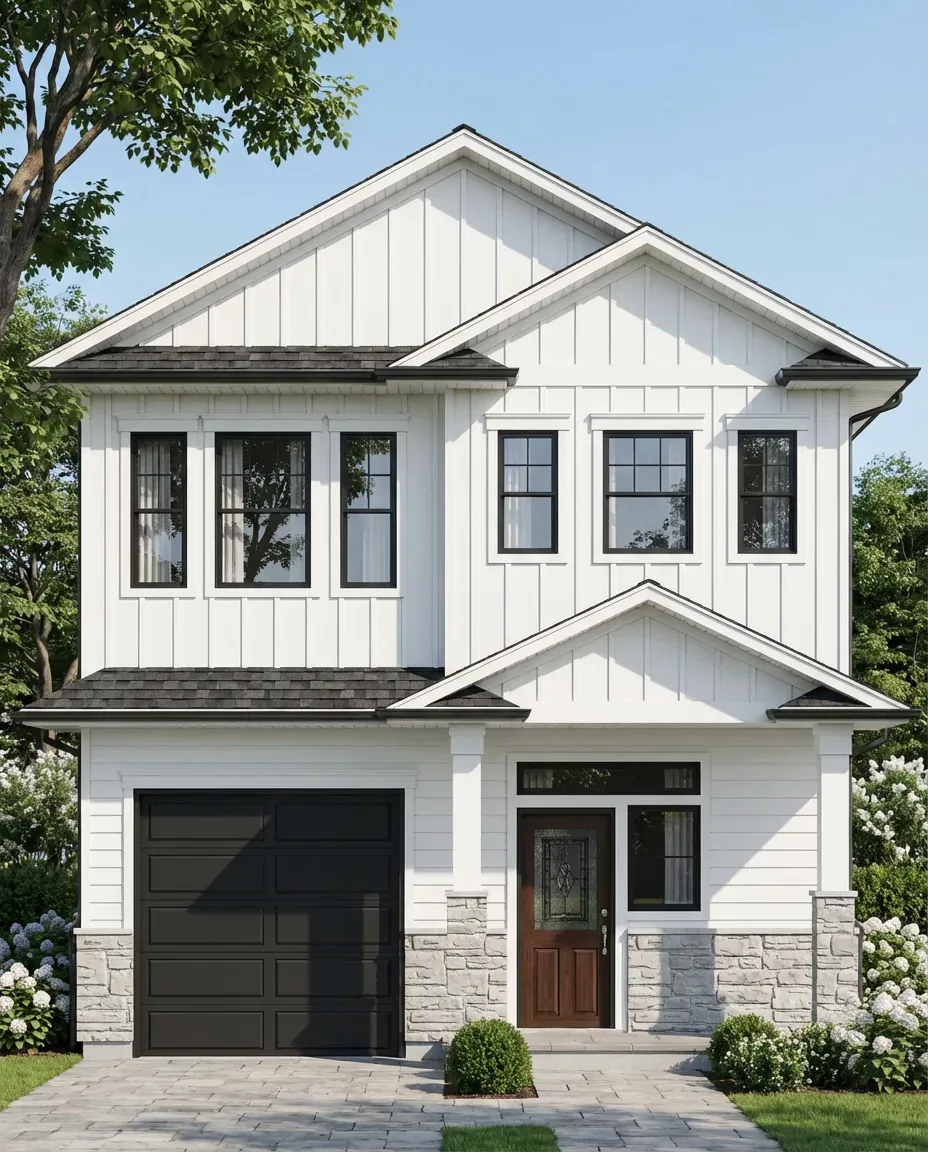 Before
How it works
Three steps, in the browser. Nothing to install.
- 1
Upload the house
A phone photo, a 2D elevation, a hand sketch or a screenshot from SketchUp, Revit or Rhino.
- 2
Choose the change
1, 3, 5 or 7 color schemes, a material reference image, a new time of day, or a full photoreal render.
- 3
Compare and decide
Put the versions side by side with the client or your family. The Generate button shows the credit cost before anything runs.
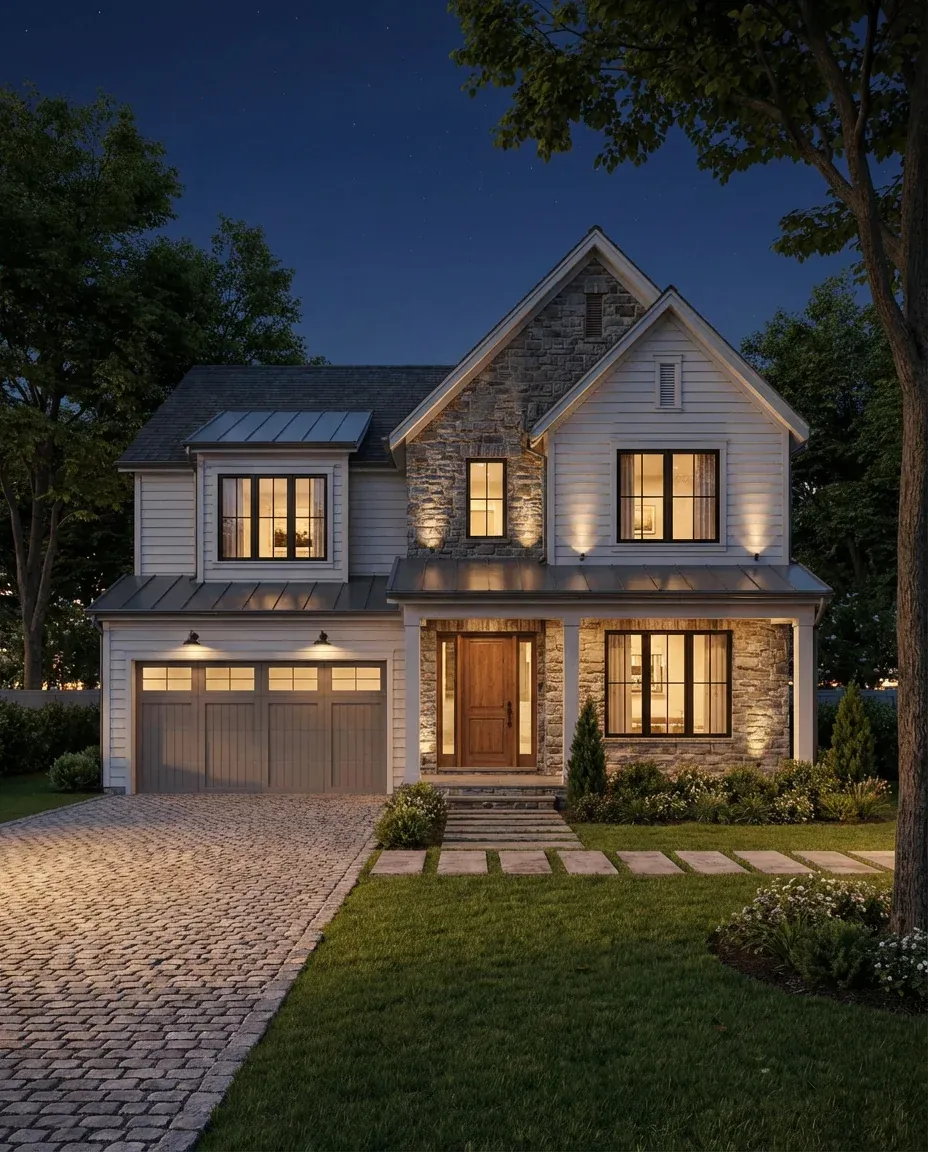
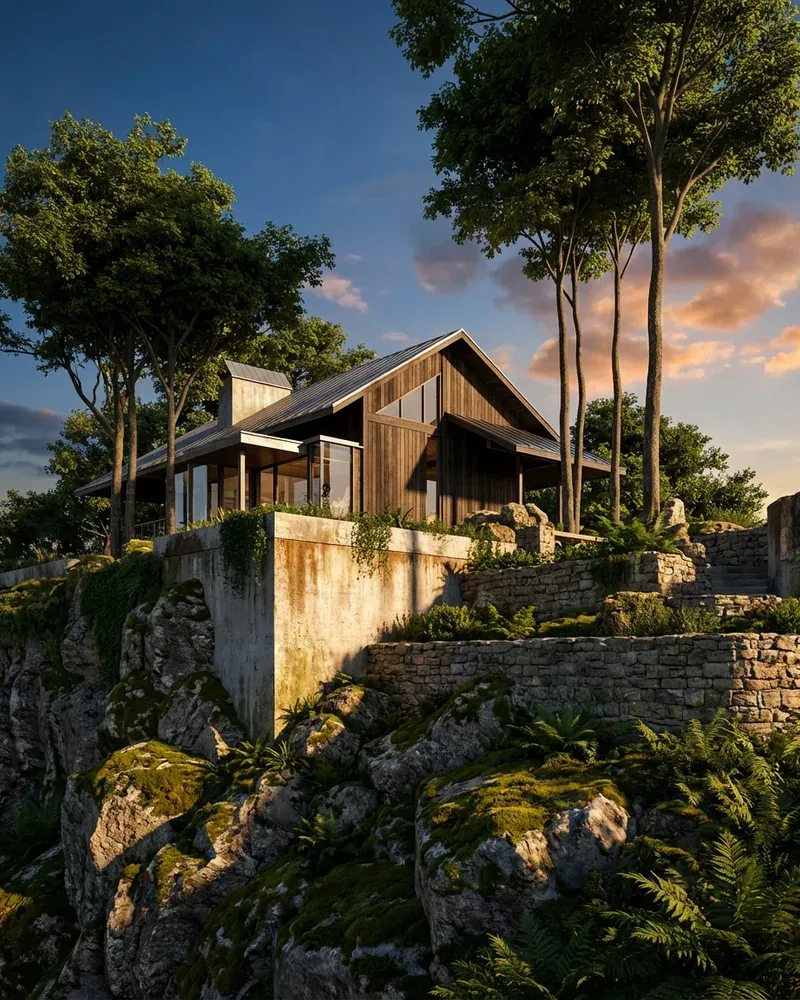
Exteriors, before and after
Real inputs and the images Kispo tools returned for them.
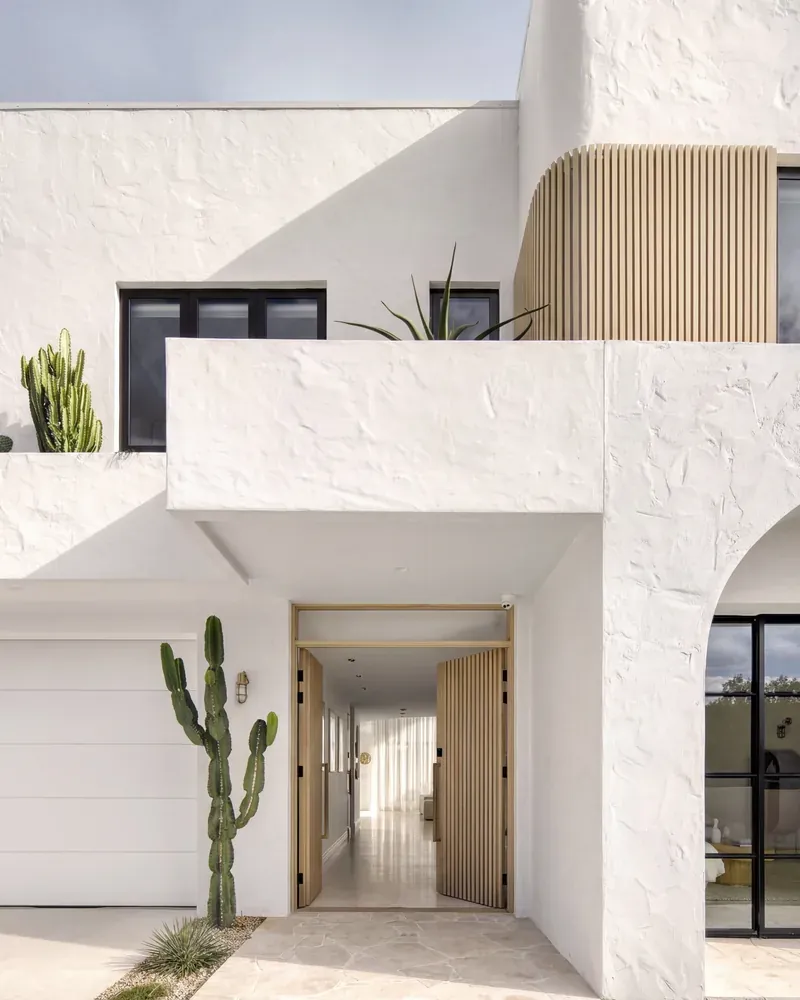 Before
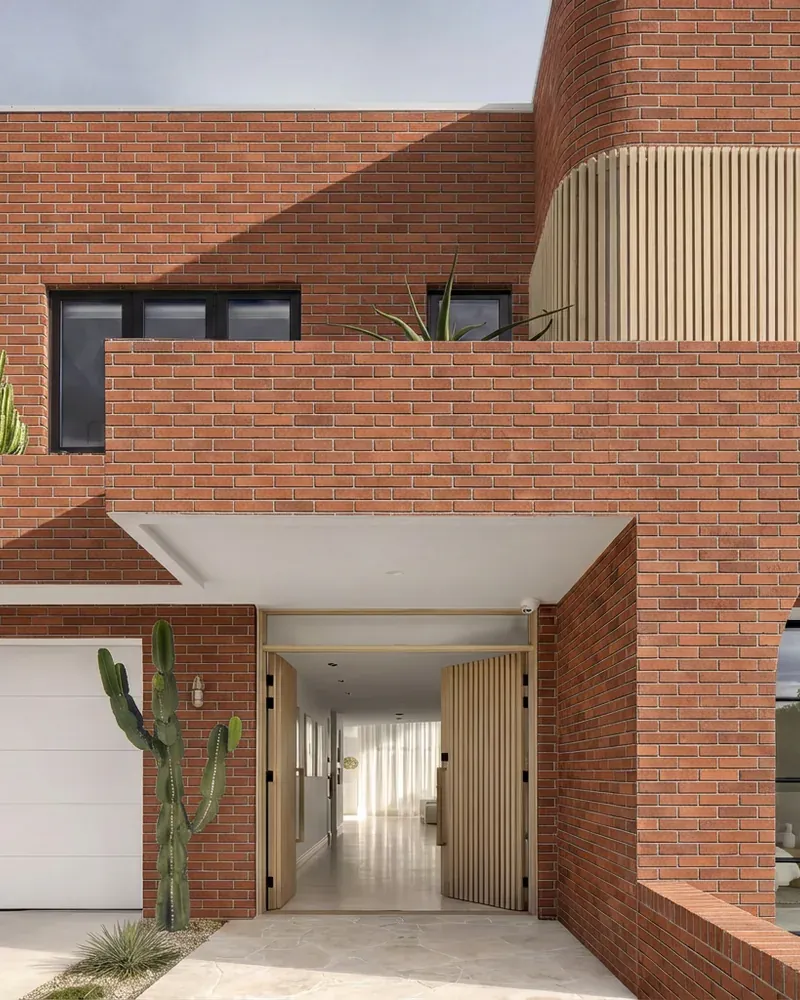 After
After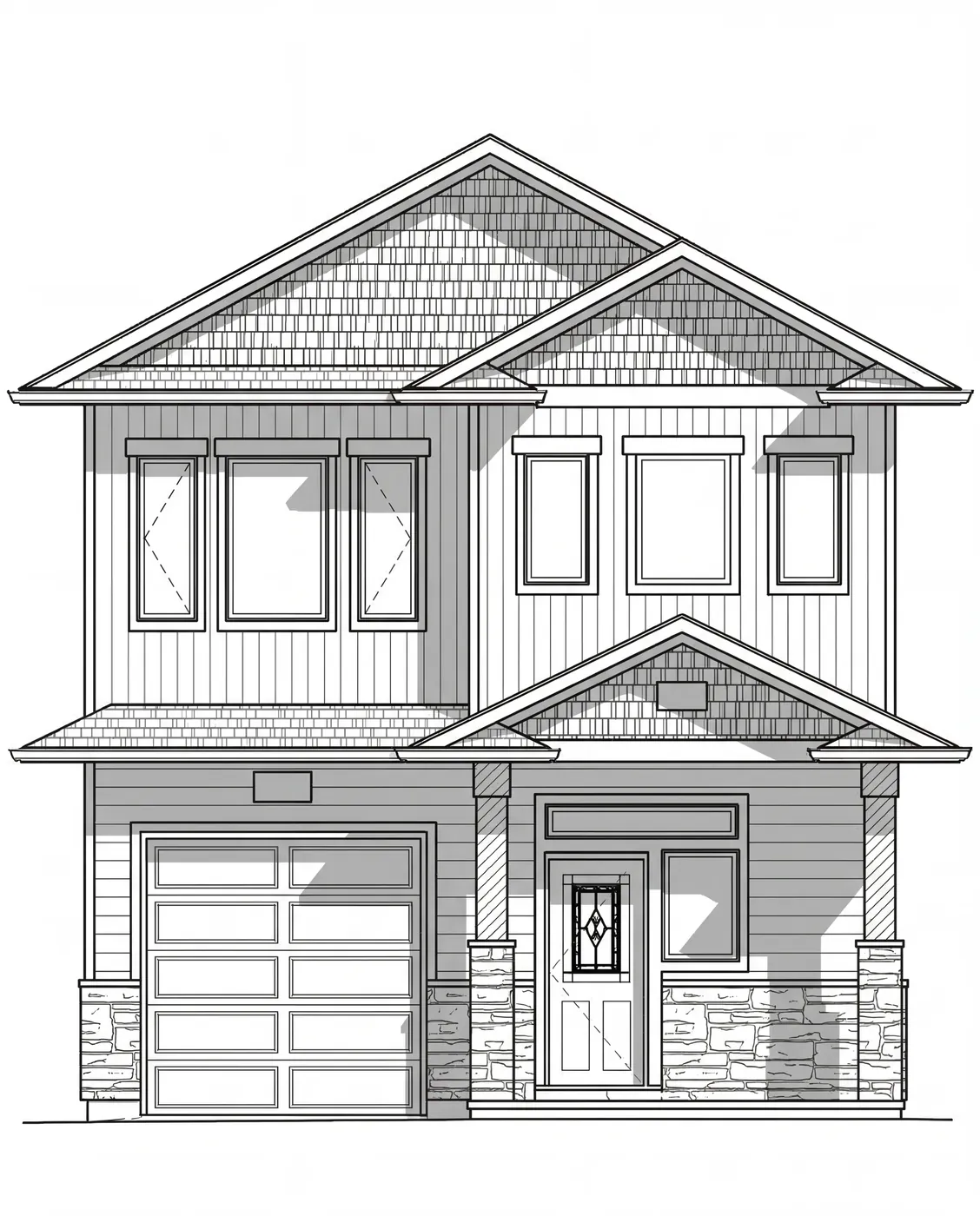 Before
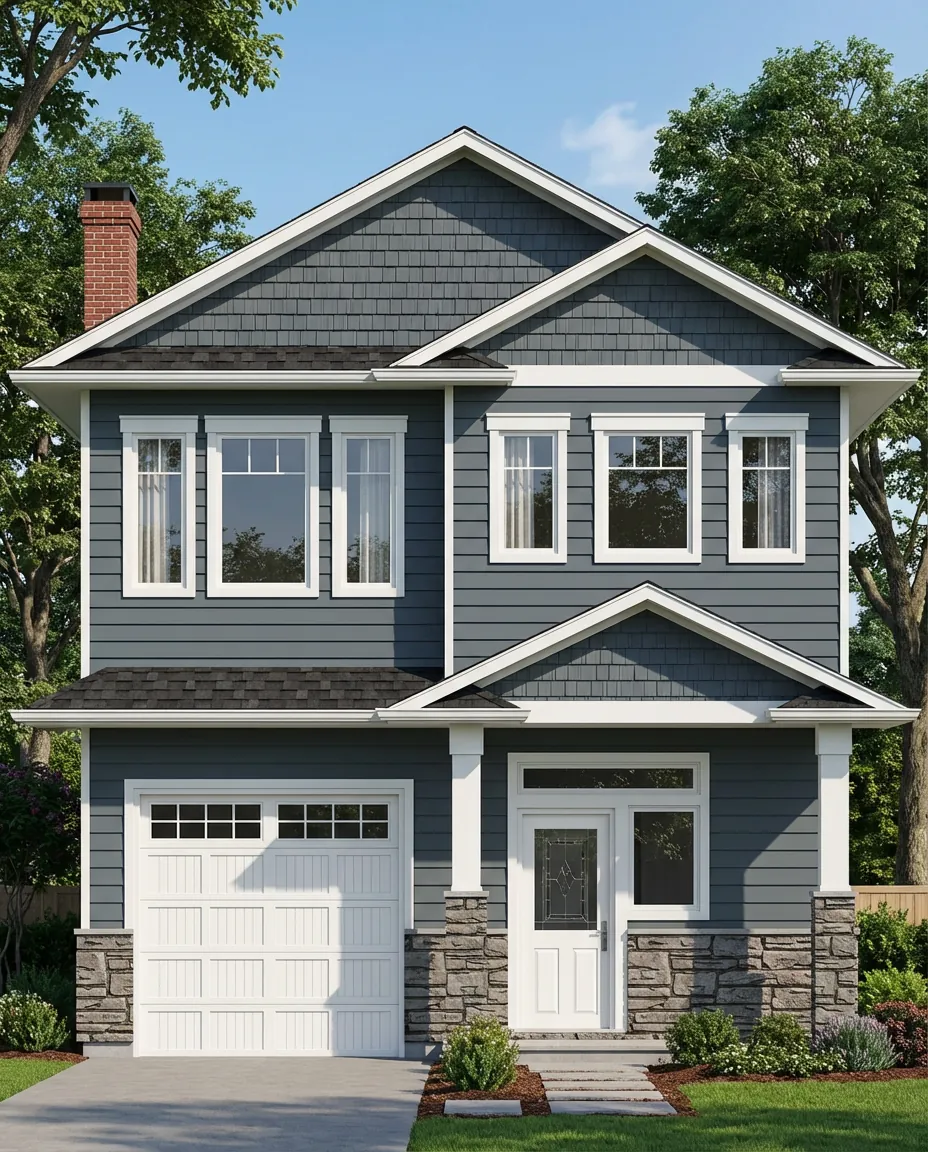 After
After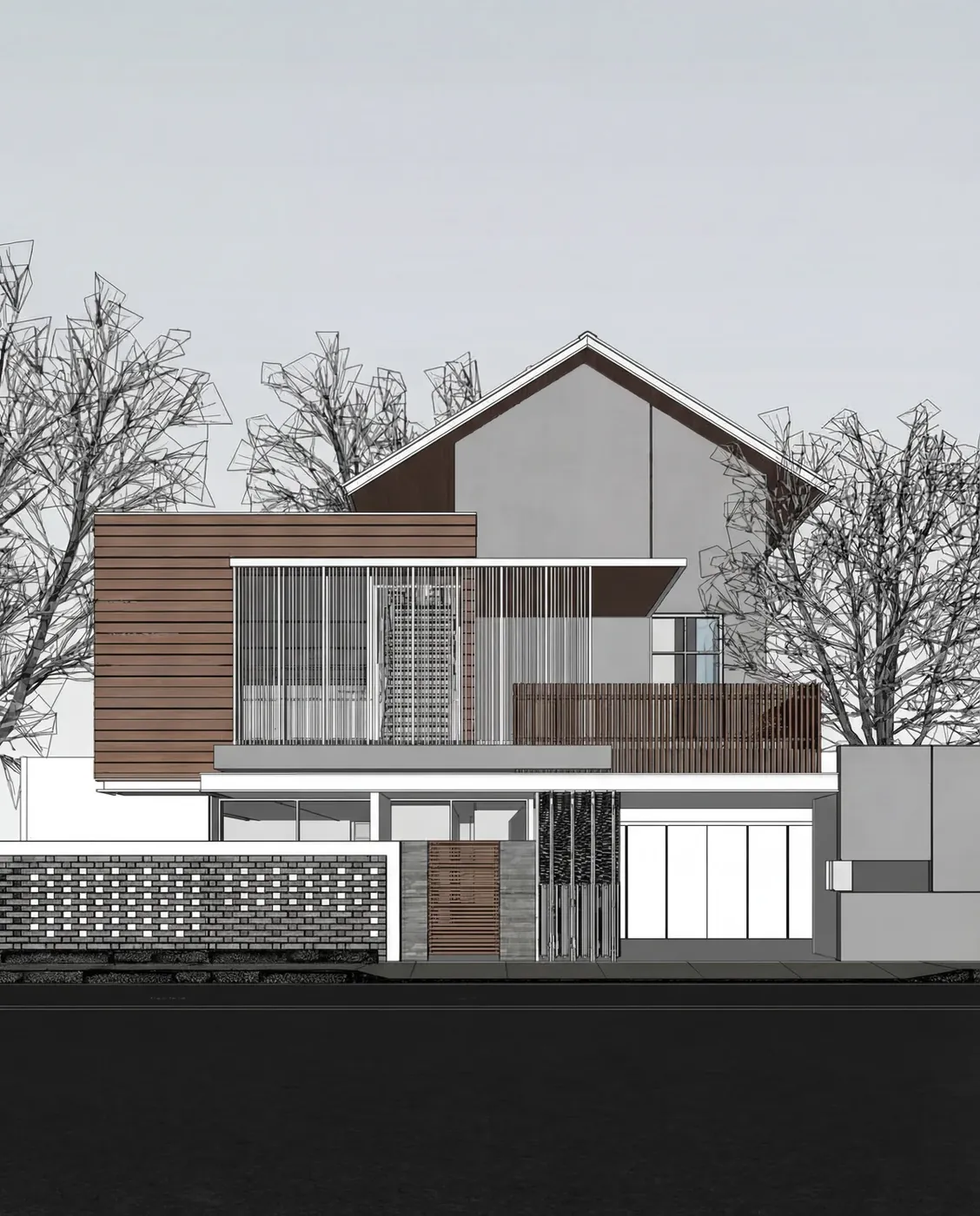 Before
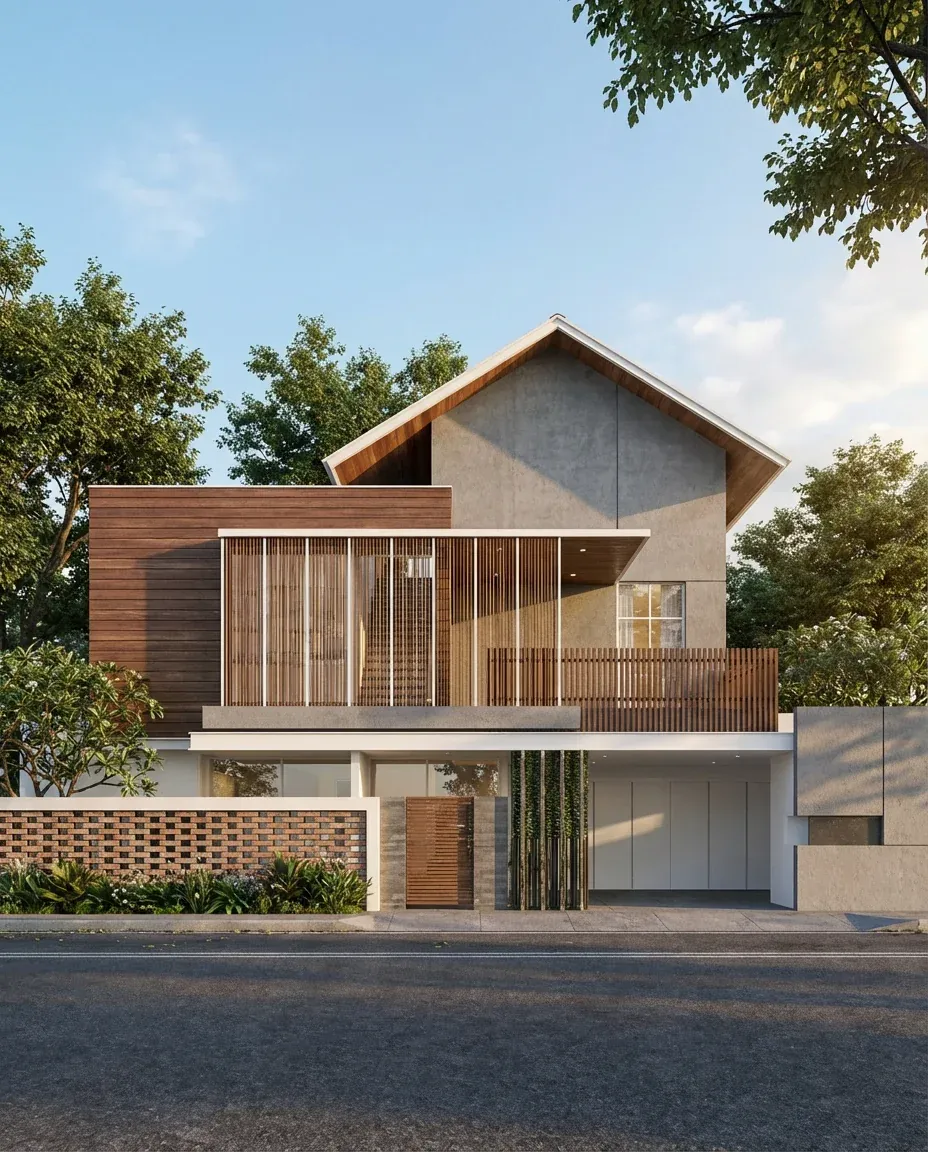 After
After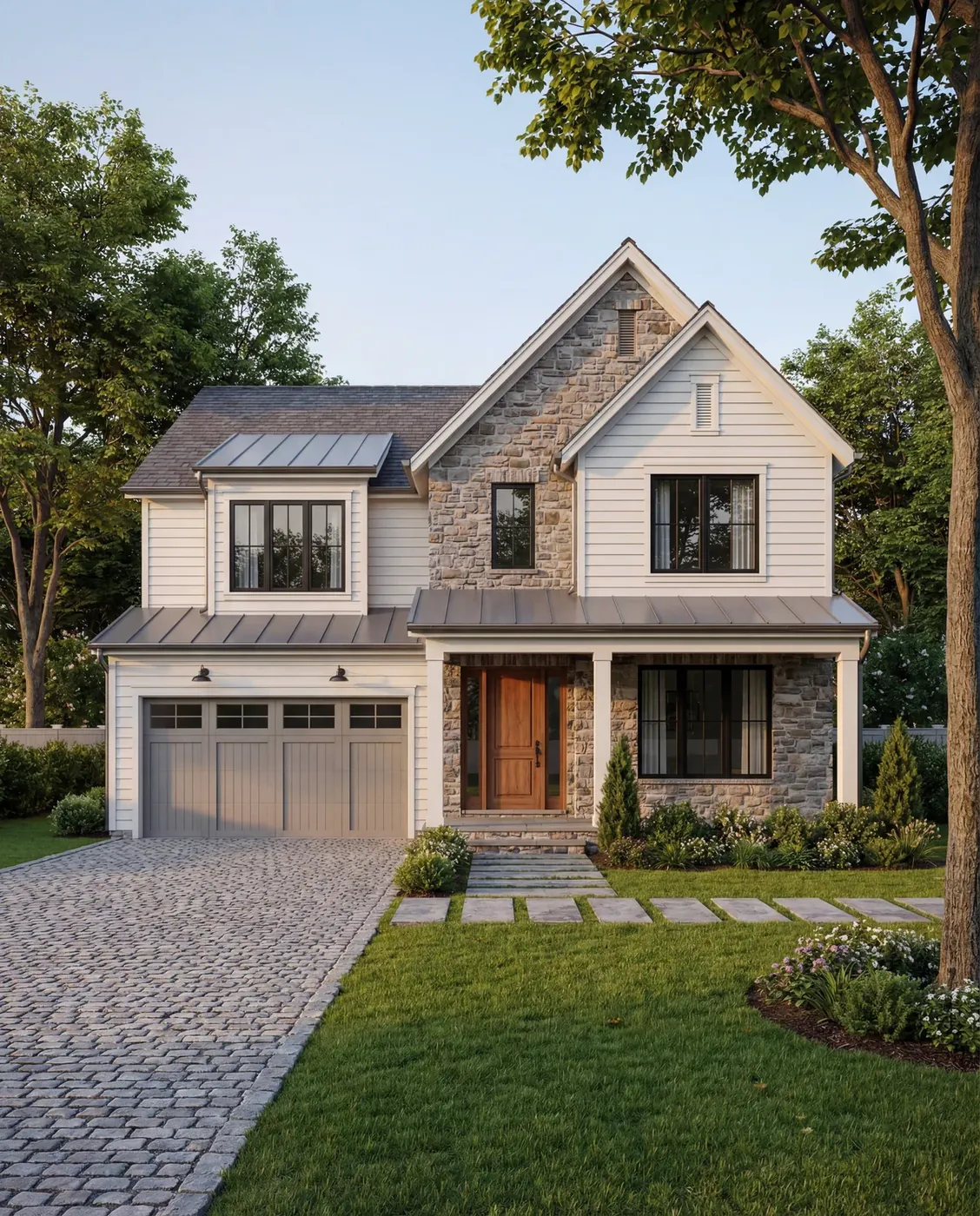 Before
 After
After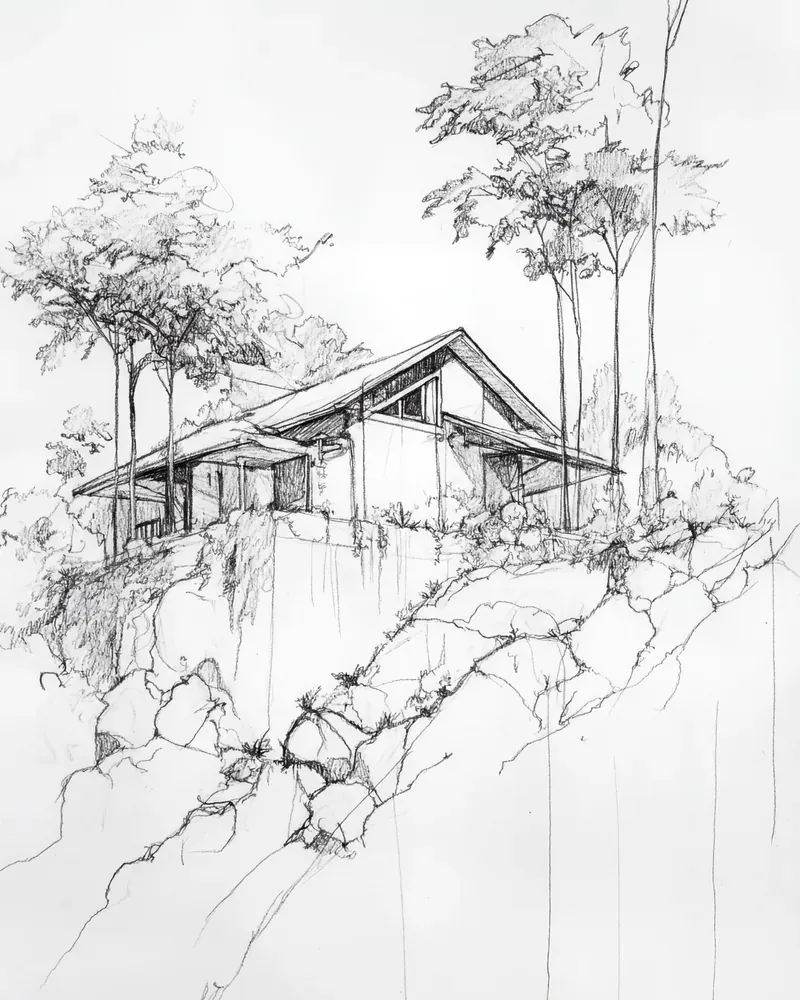 Before
 After
After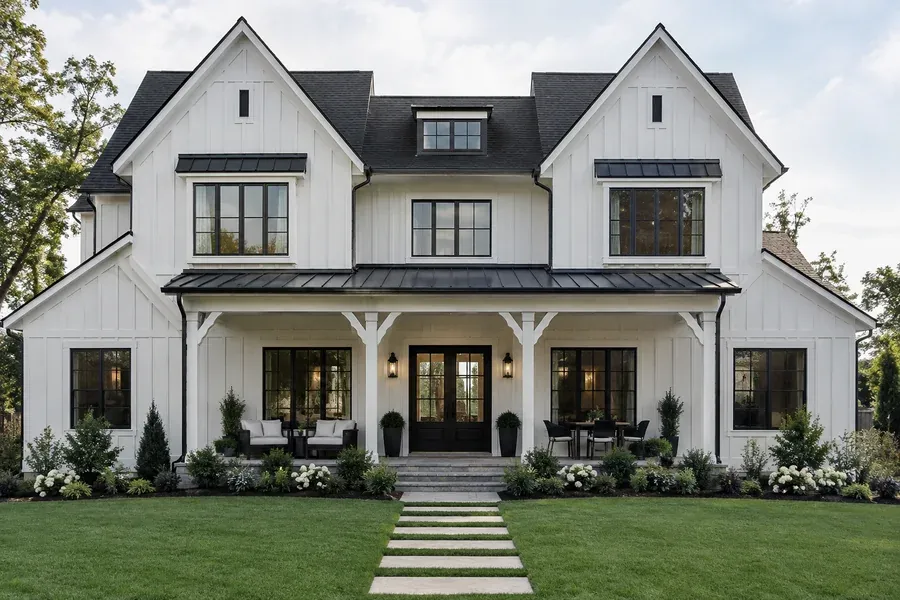 Before
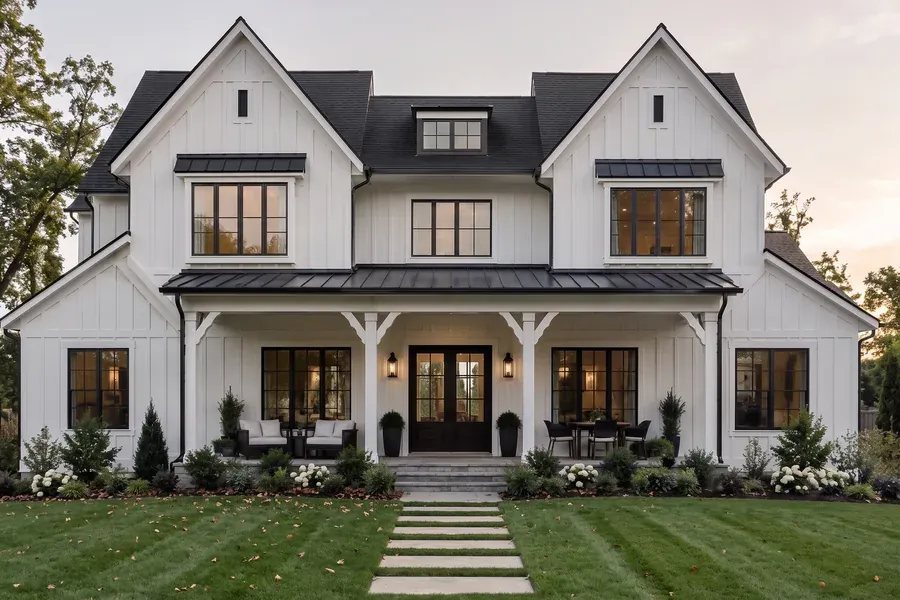 After
AfterThe Kispo tools for house exteriors
Each is a separate tool with its own page. Start from whatever you have: a photo, a drawing or a model.
Restyle a house you have
Colour Scheme Designer
You upload: a house photo, elevation, render or SketchUp screenshot
You get: 1 to 7 complete color schemes, each repainted, with Sherwin-Williams and Benjamin Moore color names
4 credits ($0.35) per scheme
4 credits ($0.35) per schemeTry itFacade Restyle
You upload: an exterior image and a material inspiration image
You get: the same house in the inspiration's materials and colors
from 4 credits ($0.35)
from 4 credits ($0.35)Try itMaterial Swap
You upload: a building image and a material reference
You get: the chosen facade elements in the new material
from 4 credits ($0.35)
from 4 credits ($0.35)Try itLight Shift
You upload: an exterior render
You get: the house at golden hour, sunset, blue hour or night
from 4 credits ($0.35)
from 4 credits ($0.35)Try itFix the AI Look
You upload: a house render made in ChatGPT or another AI image tool
You get: a free color fix, or a re-photographed version that looks real
color fix free, photo fix 4 credits ($0.35)
color fix free, photo fix 4 credits ($0.35)Try it
Render a design
Exterior Model Polish
You upload: a screenshot from SketchUp, Revit, Rhino or any 3D tool
You get: a photoreal render with materials, landscaping and sky
from 4 credits ($0.35)
from 4 credits ($0.35)Try itElevation to Life
You upload: a 2D elevation drawing and a color inspiration image
You get: a photoreal render of the elevation
from 4 credits ($0.35)
from 4 credits ($0.35)Try itSketch to Life
You upload: a hand-drawn or digital exterior sketch
You get: a photoreal render that follows the sketch
from 4 credits ($0.35)
from 4 credits ($0.35)Try itAstra 3D Modeller
You upload: a written brief for a new house
You get: an editable 3D concept with walls, openings, stairs and roof
Concept modelling: rectangular footprints, one or two storeys, not BIM.
25 credits ($2.19) per concept
25 credits ($2.19) per conceptTry it
Who it is for
- Architects and designers
- Show a client the same elevation in three palettes, or turn the model view into a render for the meeting.
- Builders and remodelers
- Let buyers pick siding and color from finished images of their own plan instead of swatches.
- Homeowners
- See your own house in new paint or new siding before you buy a gallon or call a contractor.
- Real estate agents
- Show the potential of a dated exterior, labelled as a concept, next to the real photo. AI for real estate
What it costs
Credits are shared across every Kispo tool, so one balance covers photos, plans and video.
| Plan | Per month | Credits |
|---|---|---|
| Starter | $9 | 100 |
| Pro | $29 | 350 |
| Studio | $99 | 1100 |
| Studio Pro | $199 | 2250 |
Plans start at $9/month for 100 credits. One-off packs start at $5 for 50 credits. The Generate button shows the credit cost before anything runs. See full pricing
Questions people ask
Is there a free AI house exterior design tool on Kispo?
Partly. Fix the AI Look's color fix is free. Everything else uses credits: new accounts start with 0, and a one-time $1 trial buys 14 credits with no subscription, enough for 3 color schemes at 4 credits ($0.35) each. Plans start at $9/month for 100 credits.
Can I see my own house in new paint colors?
Yes. Colour Scheme Designer reads the house's style and repaints it in 1, 3, 5 or 7 complete schemes for body, trim, accent and front door, each labelled with Sherwin-Williams and Benjamin Moore color names. The house itself is not redesigned. Check real swatches outside before you buy paint, because screens and daylight differ.
Can it change siding, brick or stone?
Yes. Facade Restyle applies the materials and colors from an inspiration image to your house, and Material Swap changes chosen facade elements to a material you supply, such as stucco to brick.
Can AI design a whole new house for me?
As a concept, yes. Astra turns a written brief into an editable 3D house on a rectangular footprint with one or two storeys and a flat, gable or hip roof. It is concept modelling, not construction drawings or BIM.
Do I need a render, or will a phone photo work?
Colour Scheme Designer, Facade Restyle and Material Swap take photos as well as renders. Exterior Model Polish needs a 3D model screenshot, Elevation to Life needs an elevation drawing, and Sketch to Life needs a sketch.
Is the result something I can build from?
No. These are design visualizations. Rooflines, window sizes and details should come from your architect's or builder's drawings, not from an AI image.
Go deeper
- AI 3D home model generatorDescribe a house, get editable 3D
- Dusk FallDay-to-night video of an exterior
- AI room design
- AI for real estate
- AI landscape design
- AI floor plan generator
See your house in three new color schemes
Upload one photo or elevation and compare complete palettes with real paint names. 14 credits for $1, no subscription covers 3 schemes.