AI room design that starts from the room you already have
Kispo is an AI room design tool for interior designers, agents and homeowners. Upload a photo of an empty room and pick one of 16 interior styles to see it furnished, or turn a sketch, a 3D model screenshot or a moodboard into a photoreal room. Try it with 14 credits for $1, no subscription.
Start with 14 credits for $1, no subscription. Plans from $9/month.
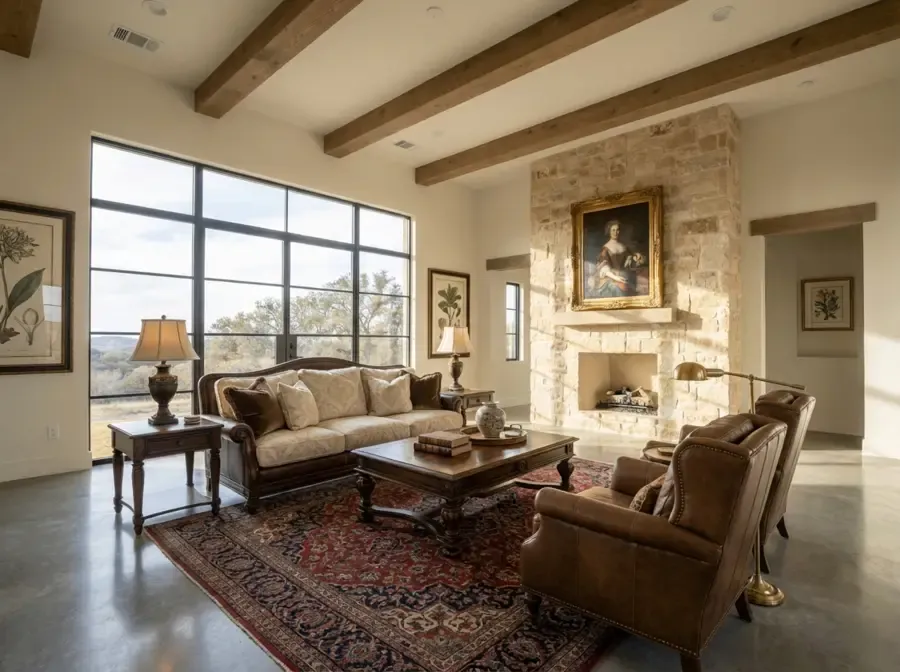 After
After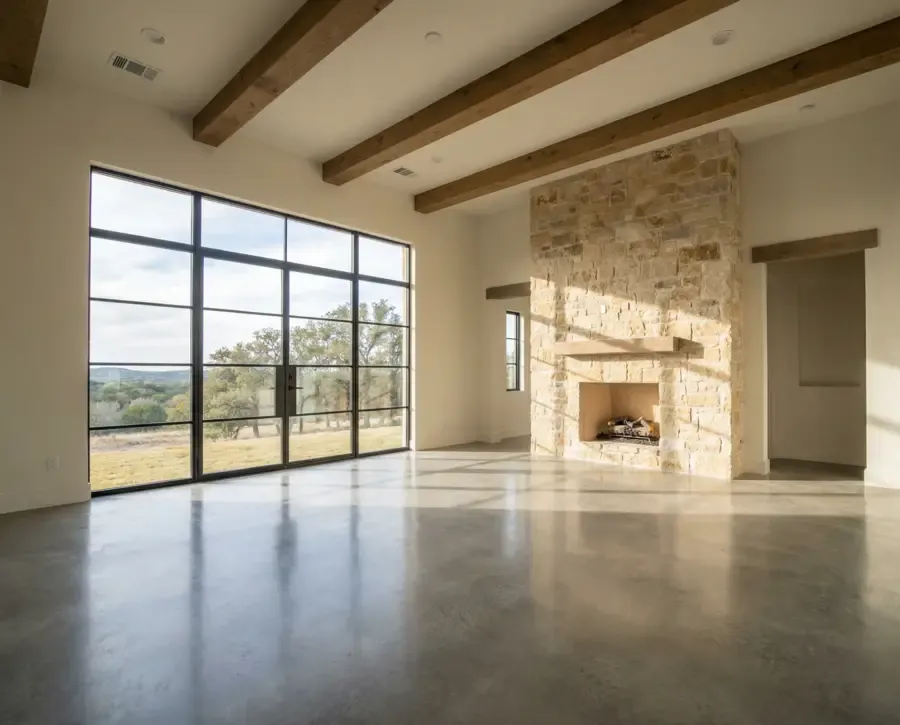 Before
How it works
Three steps, in the browser. Nothing to install.
- 1
Upload the room
A phone photo of an empty room, a hand sketch, a SketchUp or Revit screenshot, or a floor plan. Each tool says which one it expects.
- 2
Pick the room and the style
Virtual Staging offers 14 room types and 16 styles, from Scandinavian to Art Deco. Style Match takes your own moodboard instead.
- 3
Compare, then download
Ask for up to 10 staging variations at once and keep the ones that work. The Generate button shows the credit cost before anything runs.
Real rooms, real outputs
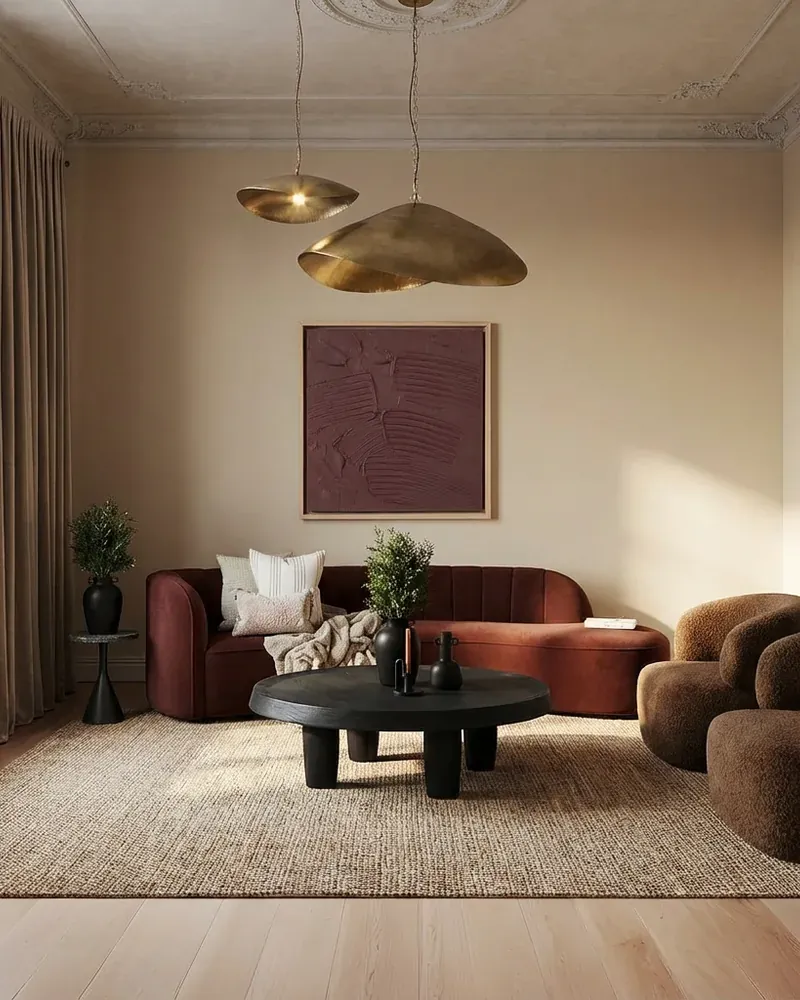
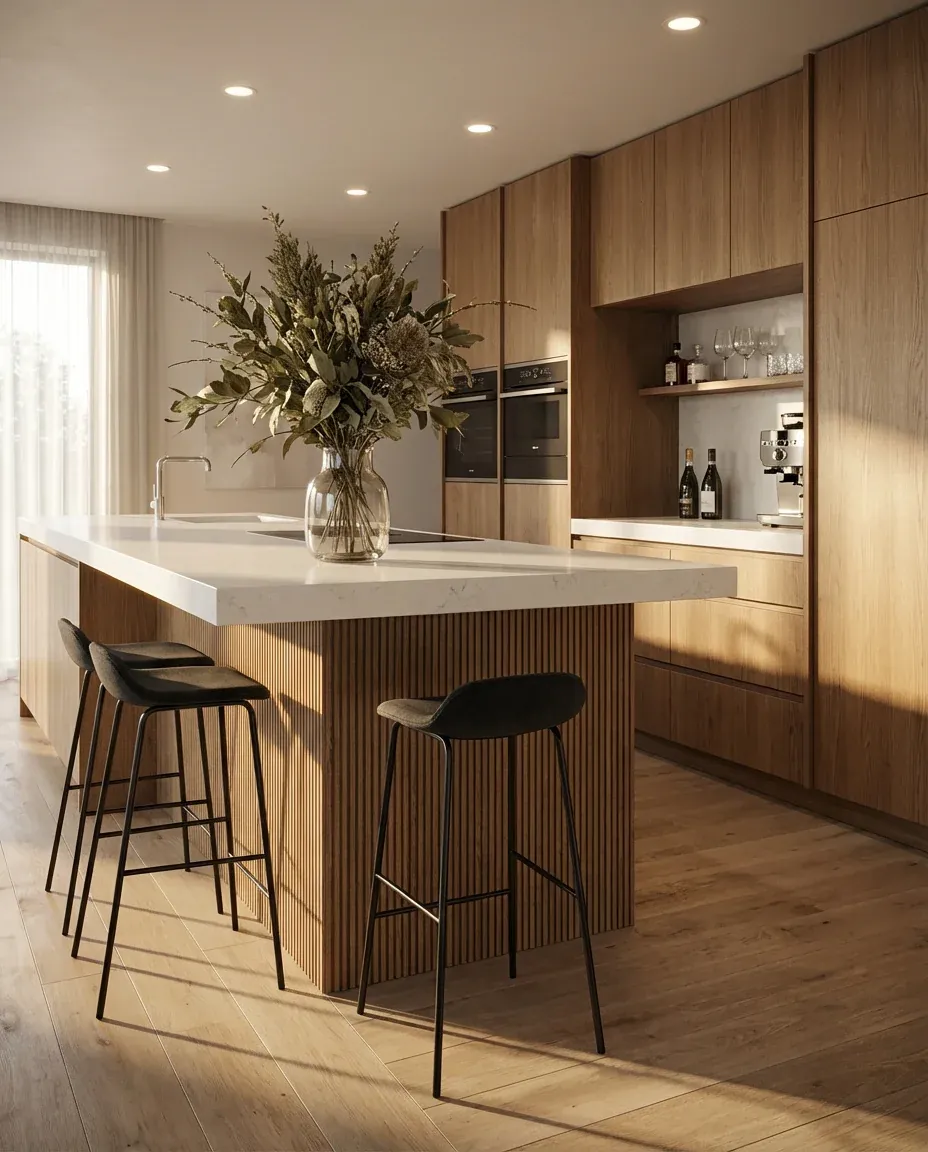
Every pair below is an input and the image a Kispo tool returned for it. Nothing was retouched afterwards.
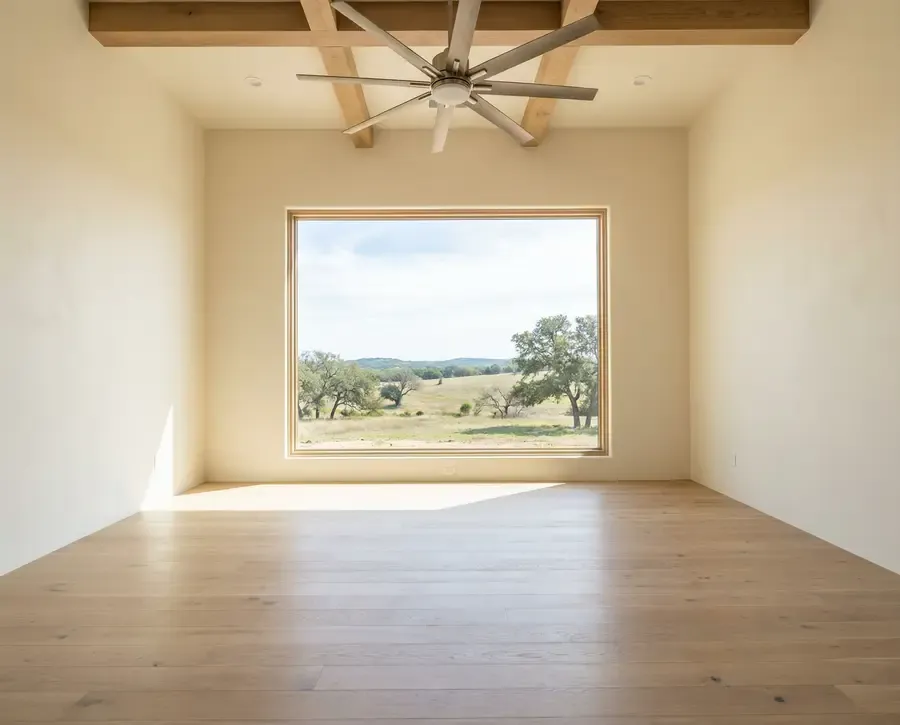 Before
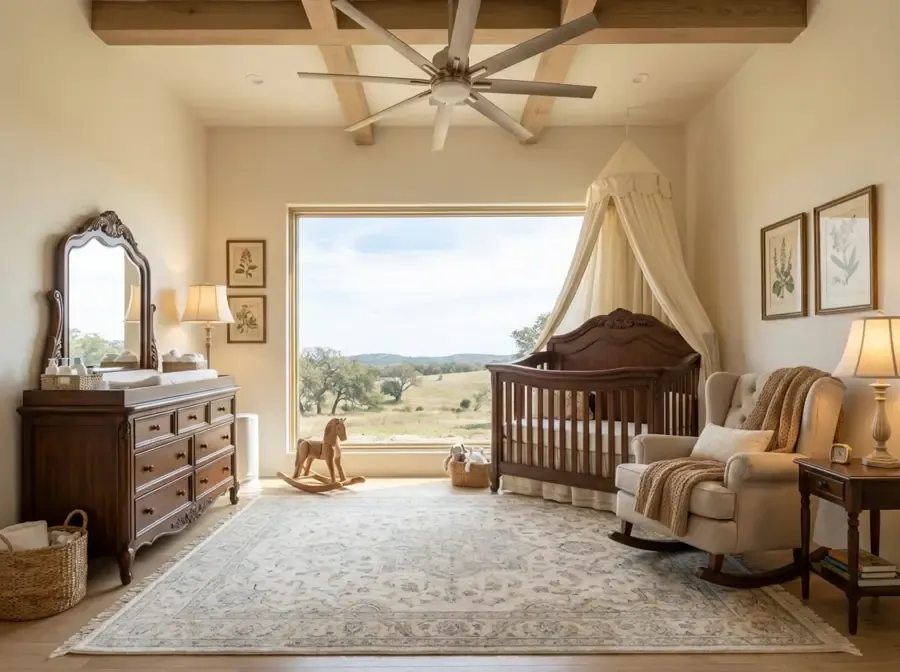 After
After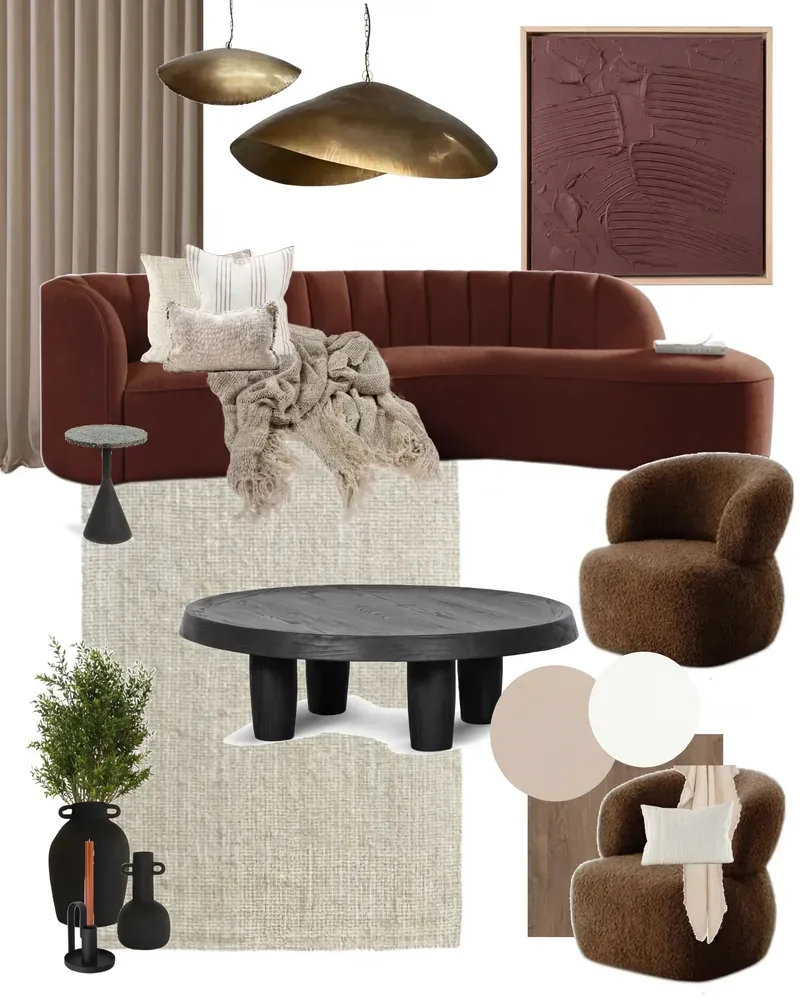 Before
 After
After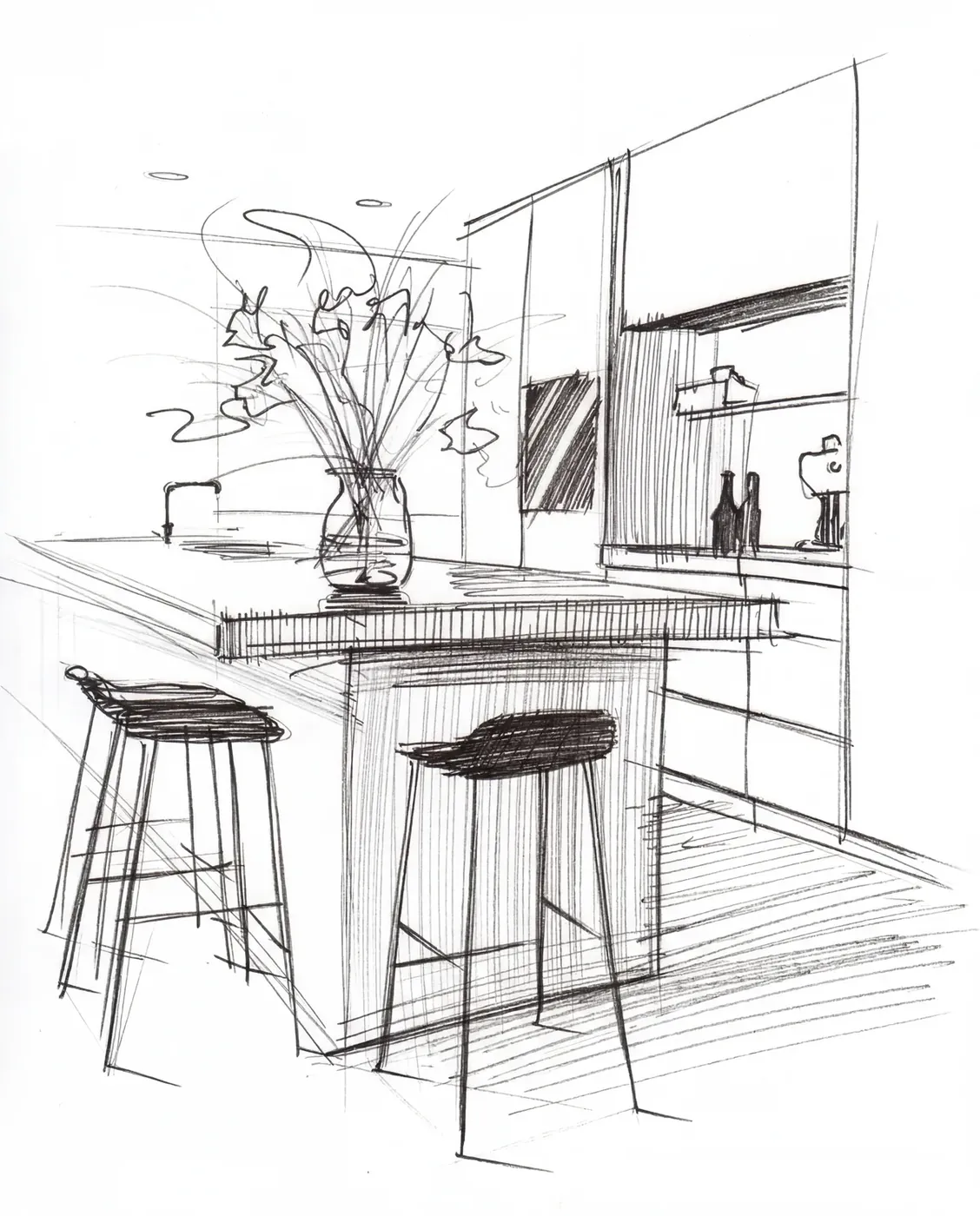 Before
 After
After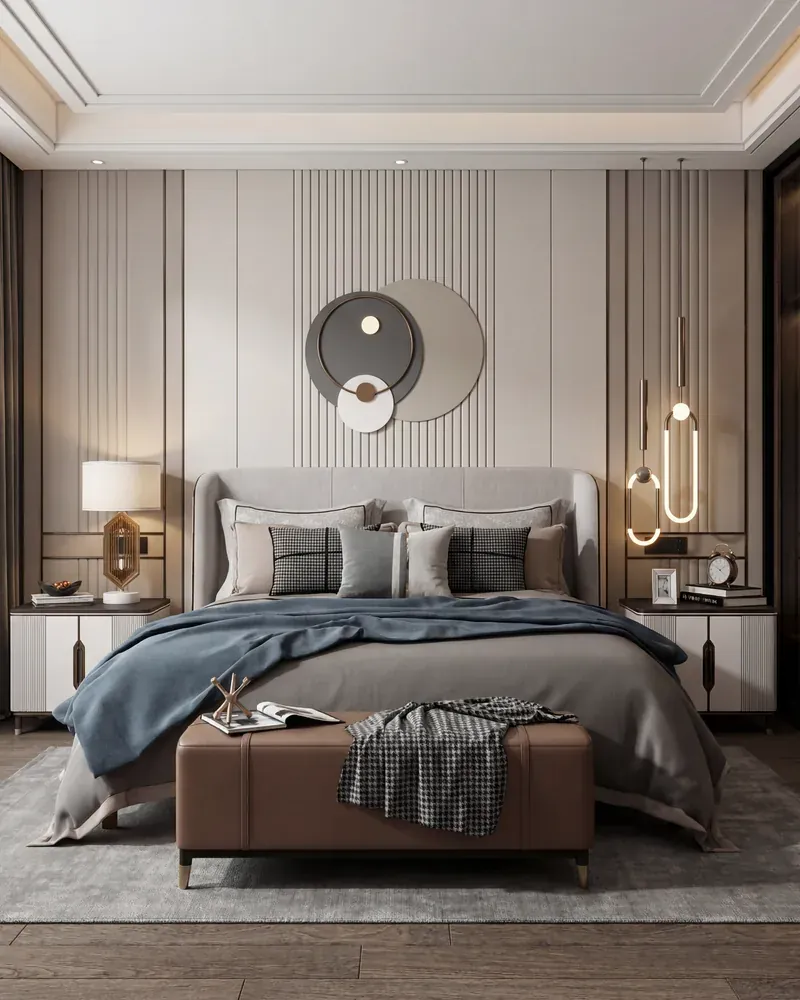 Before
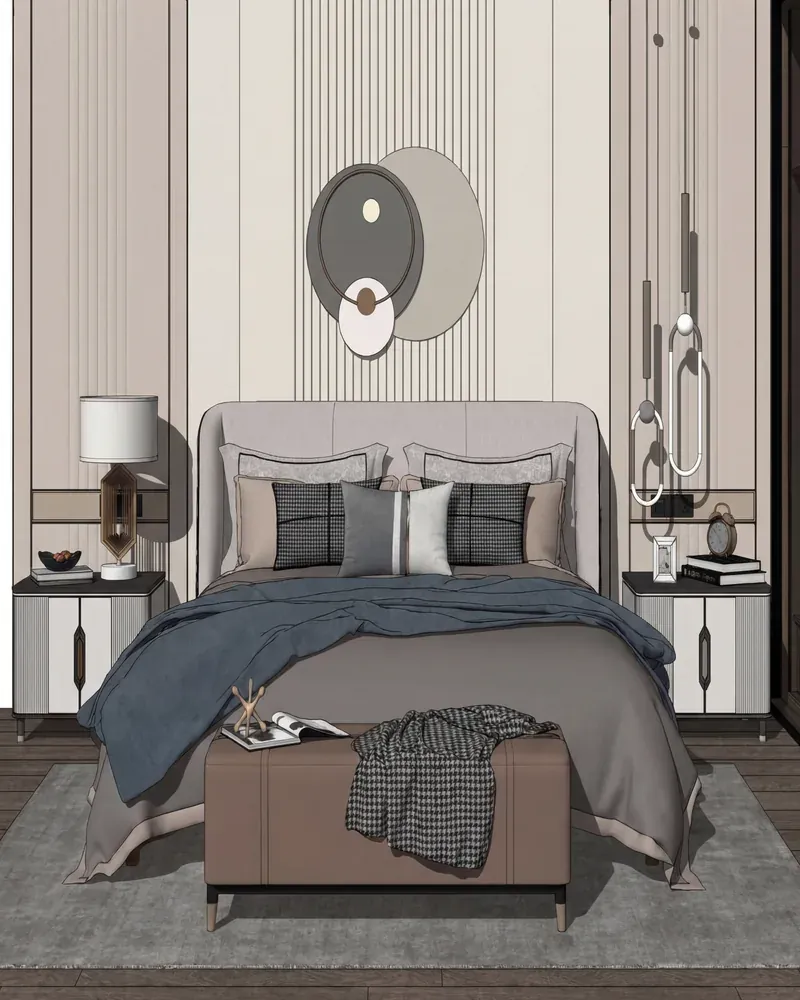 After
After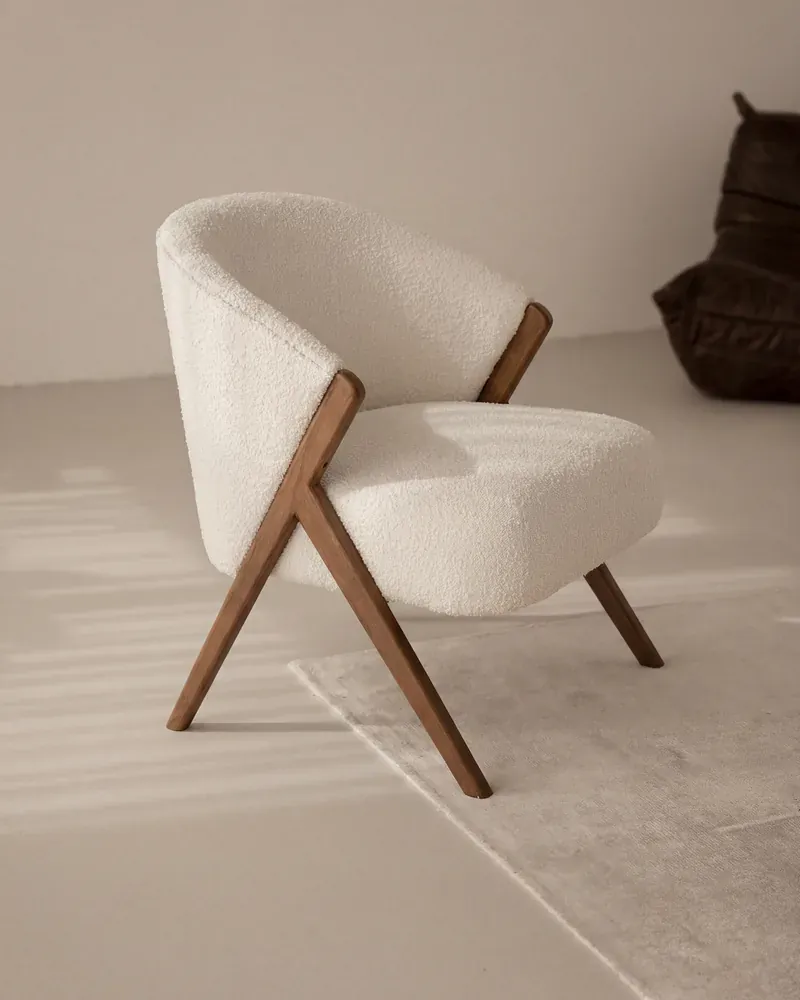 Before
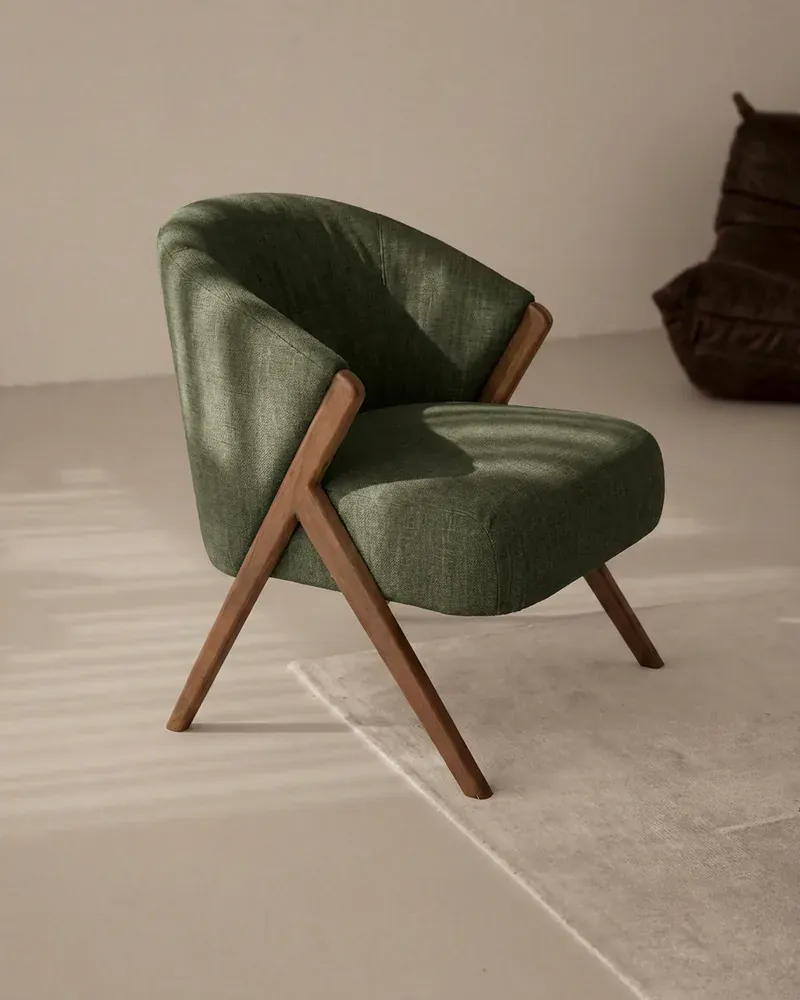 After
After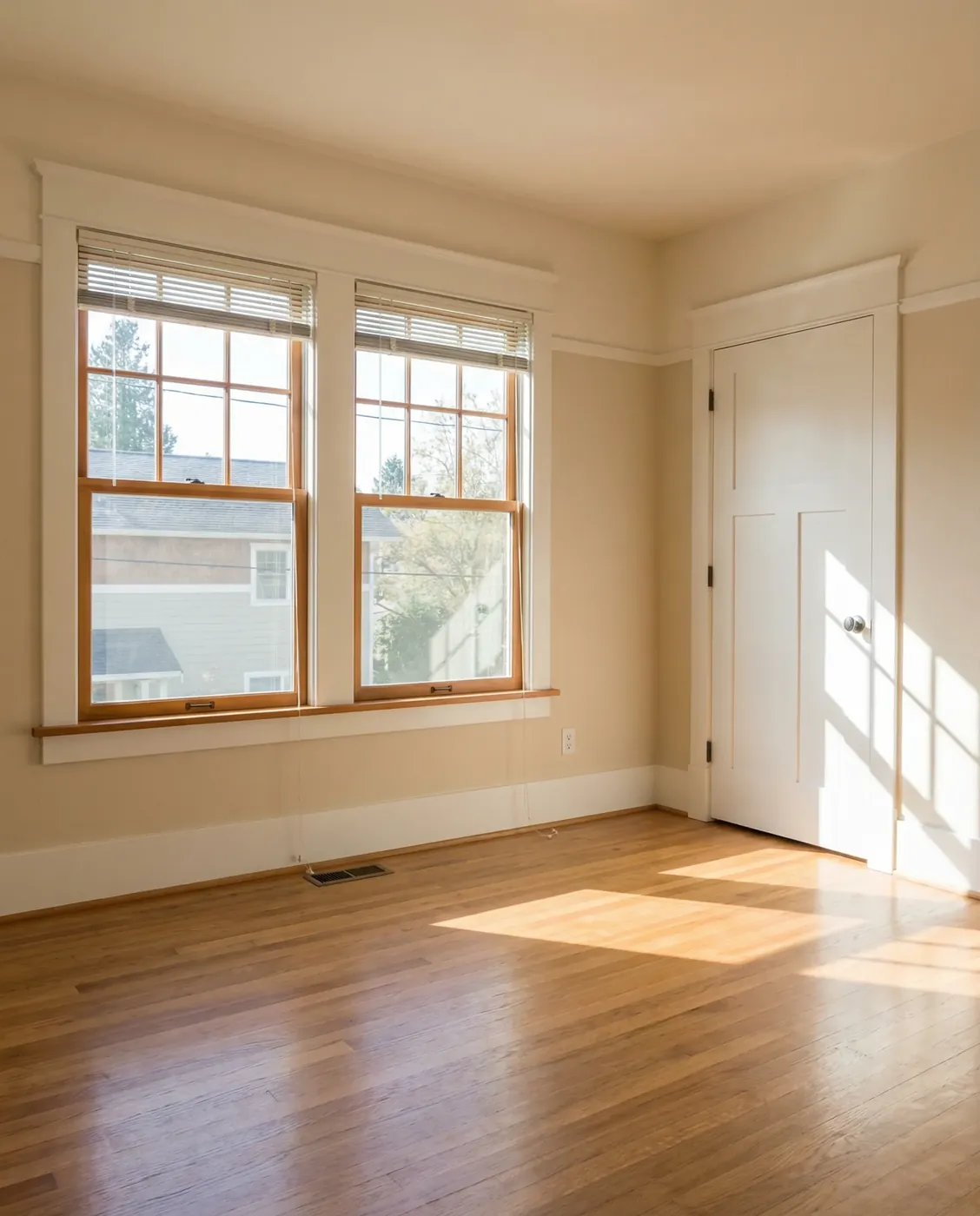 Before
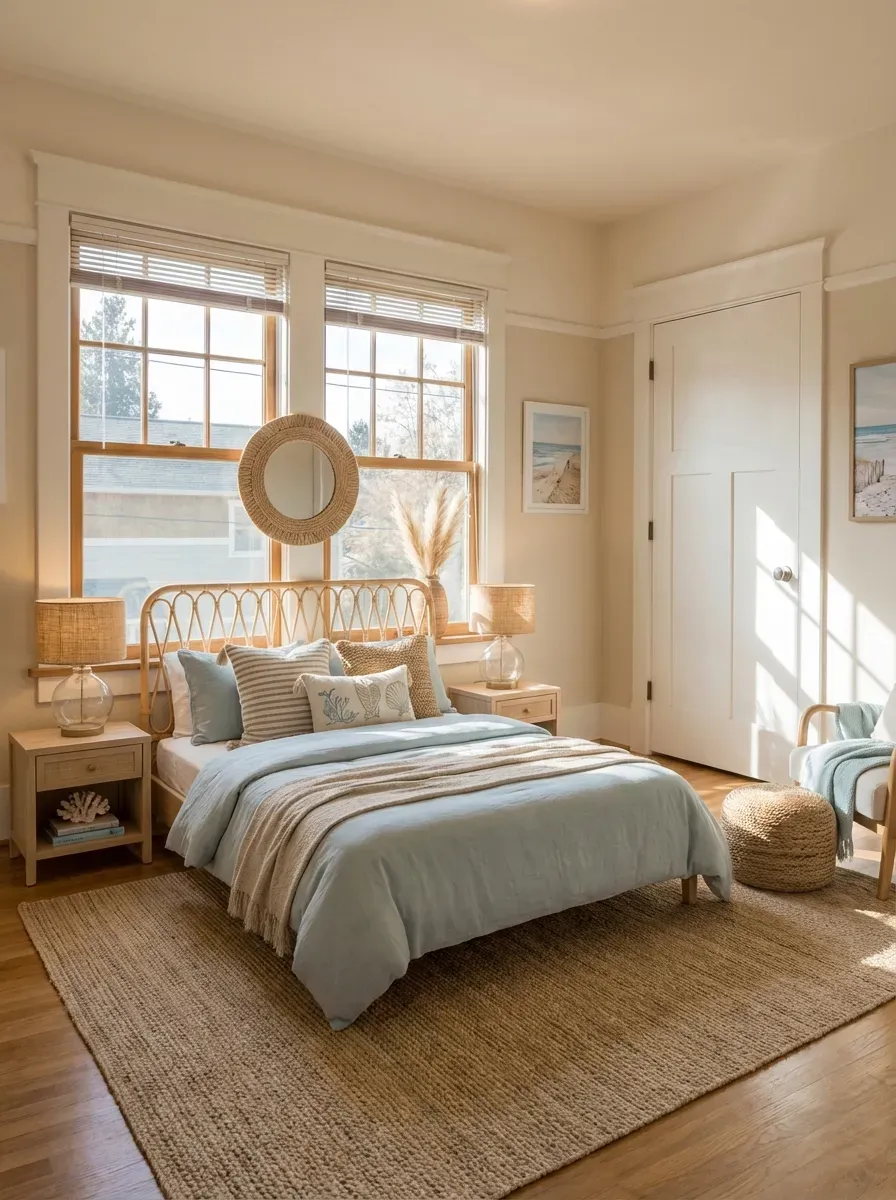 After
AfterThe Kispo tools for room design
Each one is a separate, single-purpose tool with its own page. Pick the one that matches what you have in hand.
Virtual Staging
You upload: a photo of an empty room
You get: the room furnished in one of 16 styles, up to 10 variations
3 credits ($0.26) per image
3 credits ($0.26) per imageTry itStyle Match
You upload: a moodboard and a photo of the space
You get: the space rendered in the moodboard's colours and materials
from 4 credits ($0.35)
from 4 credits ($0.35)Try itSketch to Life
You upload: a hand-drawn or digital interior sketch
You get: a photoreal render that follows the sketch
from 4 credits ($0.35)
from 4 credits ($0.35)Try itInterior Model Polish
You upload: a screenshot from SketchUp, Revit or any 3D tool
You get: a photoreal render with materials and daylight
from 4 credits ($0.35)
from 4 credits ($0.35)Try itFabric Swap
You upload: a room or furniture image and a fabric reference
You get: the same furniture in the new fabric
from 4 credits ($0.35)
from 4 credits ($0.35)Try itPlan to Life
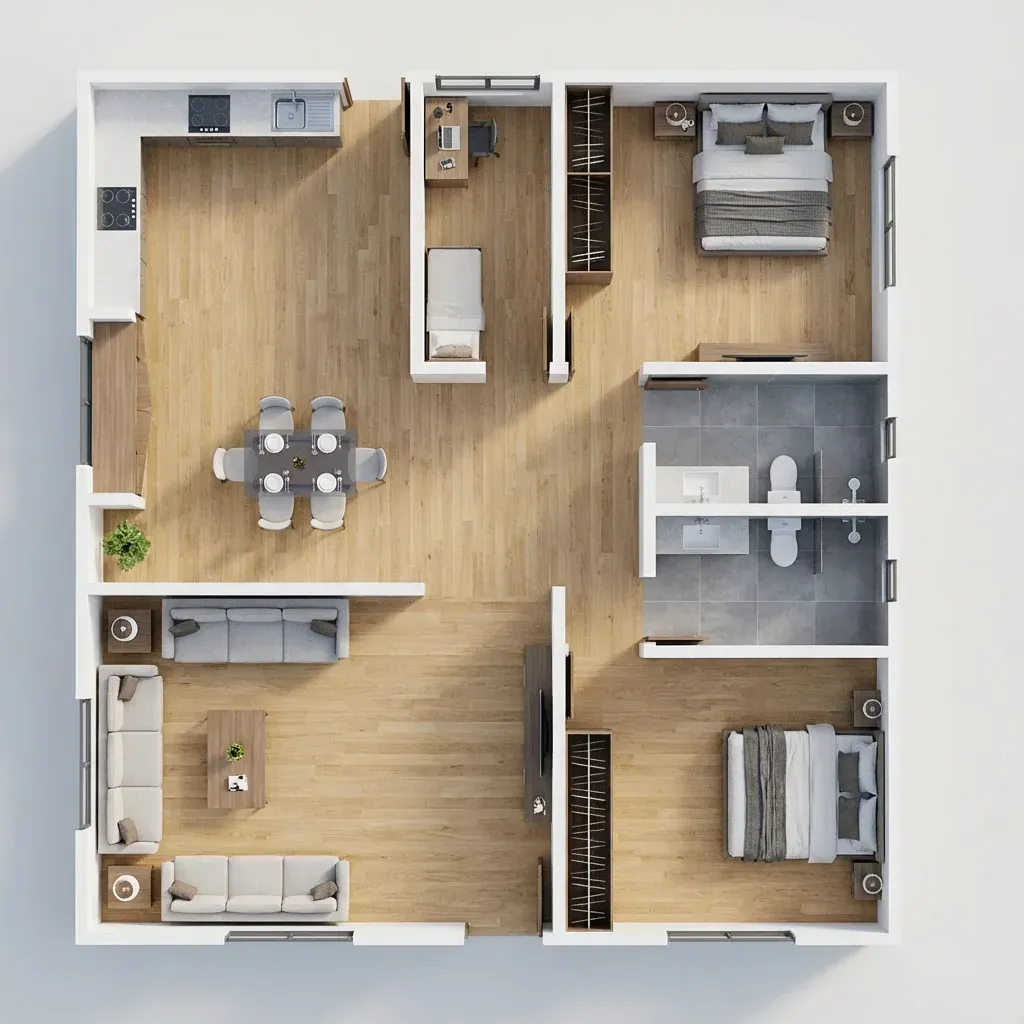
You upload: a 2D floor plan
You get: a furnished, styled 3D view of the whole plan
4 credits ($0.35) per image
4 credits ($0.35) per imageTry itAI Sourcing
You upload: up to 4 inspiration images or renders
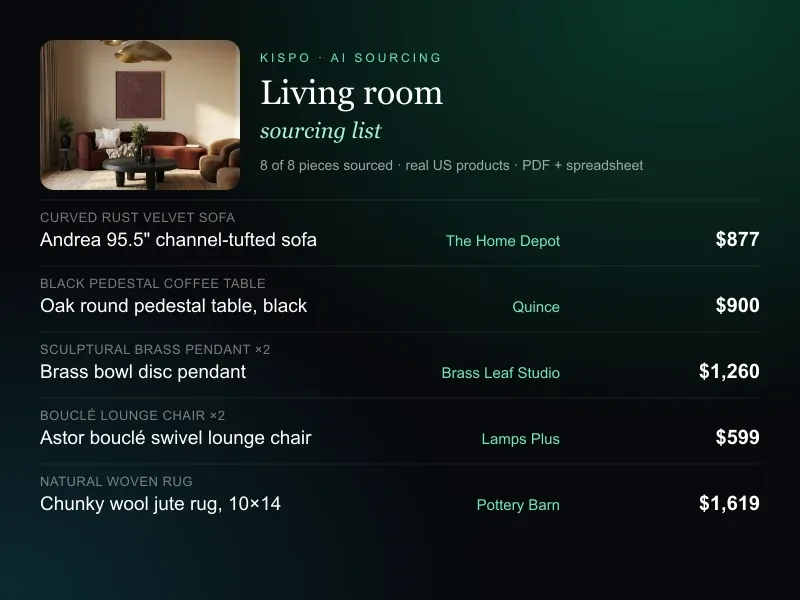
You get: the closest buyable US products for each piece, with prices and links
Closest matches, not guaranteed exact pieces. Pieces with no confirmed match are refunded.
priced per piece found
priced per piece foundTry it
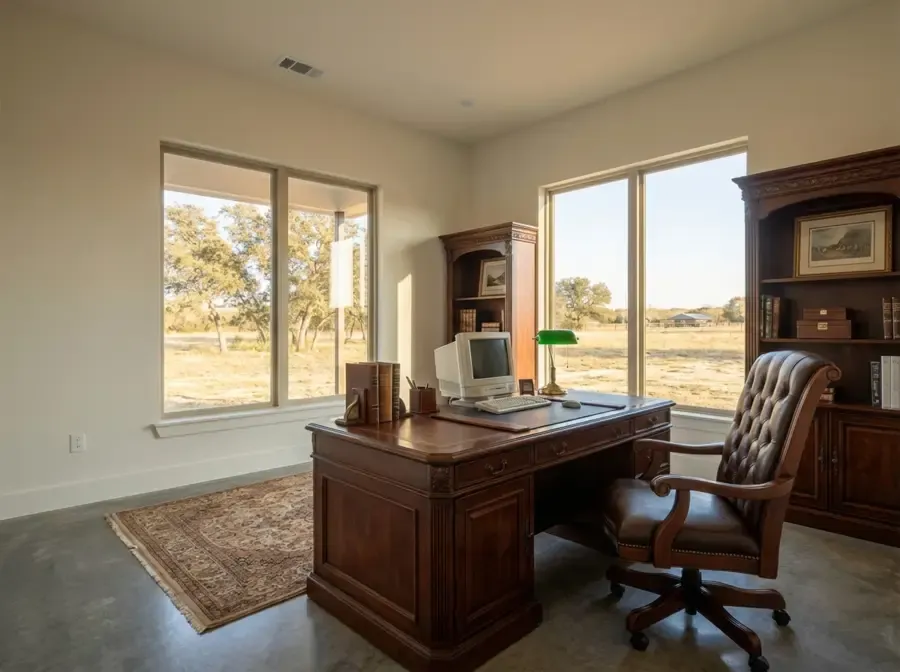
Who uses it
- Interior designers
- Show a client two or three directions for a room before anything is ordered, then turn the chosen look into a shopping list with AI Sourcing.
- Real estate agents
- Furnish vacant listing rooms so buyers can read the space. Label staged photos as virtually staged. AI for real estate
- Architects
- Turn a model screenshot or a quick sketch into a room a client can picture, without a rendering setup.
- Homeowners
- See an empty room in a few styles before you buy furniture. Treat the result as a mood, not a measured layout.
What it costs
Credits are shared across every Kispo tool, so one balance covers photos, plans and video.
| Plan | Per month | Credits |
|---|---|---|
| Starter | $9 | 100 |
| Pro | $29 | 350 |
| Studio | $99 | 1100 |
| Studio Pro | $199 | 2250 |
Plans start at $9/month for 100 credits. One-off packs start at $5 for 50 credits. The Generate button shows the credit cost before anything runs. See full pricing
Questions people ask
Is there a free AI room design tool on Kispo?
Not free, but close to it. New accounts start with 0 credits, and a one-time $1 trial buys 14 credits with no subscription attached. At 3 credits ($0.26) per staged image, that covers 4 staged images. After that, plans start at $9/month for 100 credits.
Can it redesign a room that already has furniture in it?
Not in one click. Virtual Staging is built for empty rooms, and Kispo does not currently offer a tool that restyles a furnished room photo end to end. You can change upholstery with Fabric Swap, and if you have a 3D model or a render of the room, Interior Model Polish or Style Match will produce a new finished image of it.
Which room types and styles can I choose?
Virtual Staging covers 14 room types, including living room, bedroom, kitchen, bathroom, home office, nursery, patio and basement, and 16 styles: modern, minimalist, traditional, Scandinavian, industrial, bohemian, coastal, mid-century modern, farmhouse, contemporary, luxury, rustic, Art Deco, Japanese minimalist, Mediterranean and transitional.
Will it keep my walls, windows and floor?
That is what the tools are built to do: keep the architecture and add furniture, materials and light. It is still AI, so check doors, windows and built-ins in every image before you share it.
How is this different from typing a prompt into a general AI image generator?
You start from your own room, not a blank prompt. Kispo is a set of single-purpose tools with published prices: you upload an image, choose options from a list and get a result built around what you uploaded.
Can I buy the furniture I see in the design?
AI Sourcing reads an image and searches US retailers for the closest buyable piece for each item, with prices and links. They are close matches, not guaranteed exact products, and prices change, so confirm with the retailer before ordering.
Go deeper
- Kispo for realtorsListing photos and property video
- Floor plan to 3D modelTurn a plan into a 3D view or editable geometry
- AI for real estate
- AI landscape design
- AI floor plan generator
- AI house exterior design
Furnish your first room
Upload an empty room, pick a style and compare the results. 14 credits for $1, no subscription gets you started.