AI for real estate listings: staging, twilight, video and plans
Kispo puts AI to work on real estate marketing for agents, brokers and listing photographers: stage empty rooms, clear clutter, turn daytime exteriors into twilight, make short property videos and turn floor plans into 3D. It runs in the browser. Try it with 14 credits for $1, no subscription; plans start at $9/month.
Start with 14 credits for $1, no subscription. Plans from $9/month.
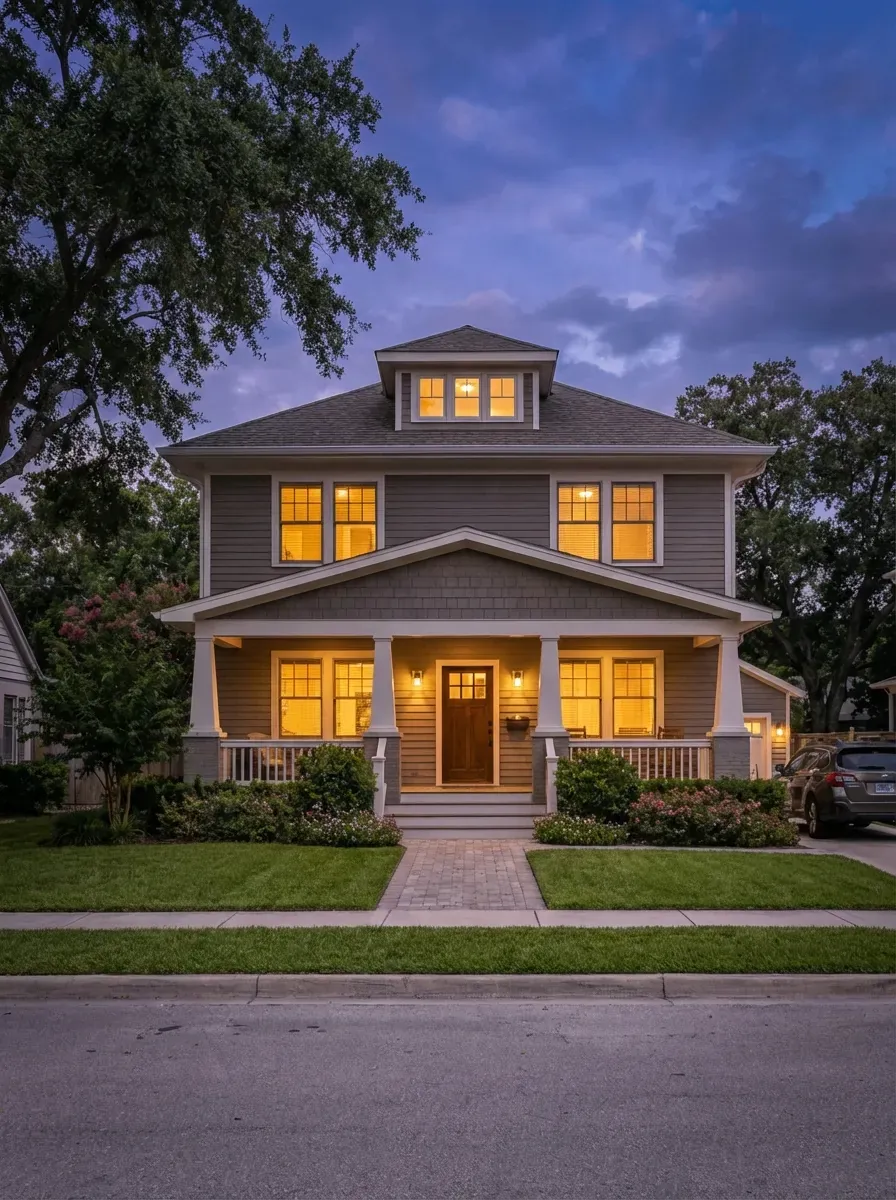 Twilight
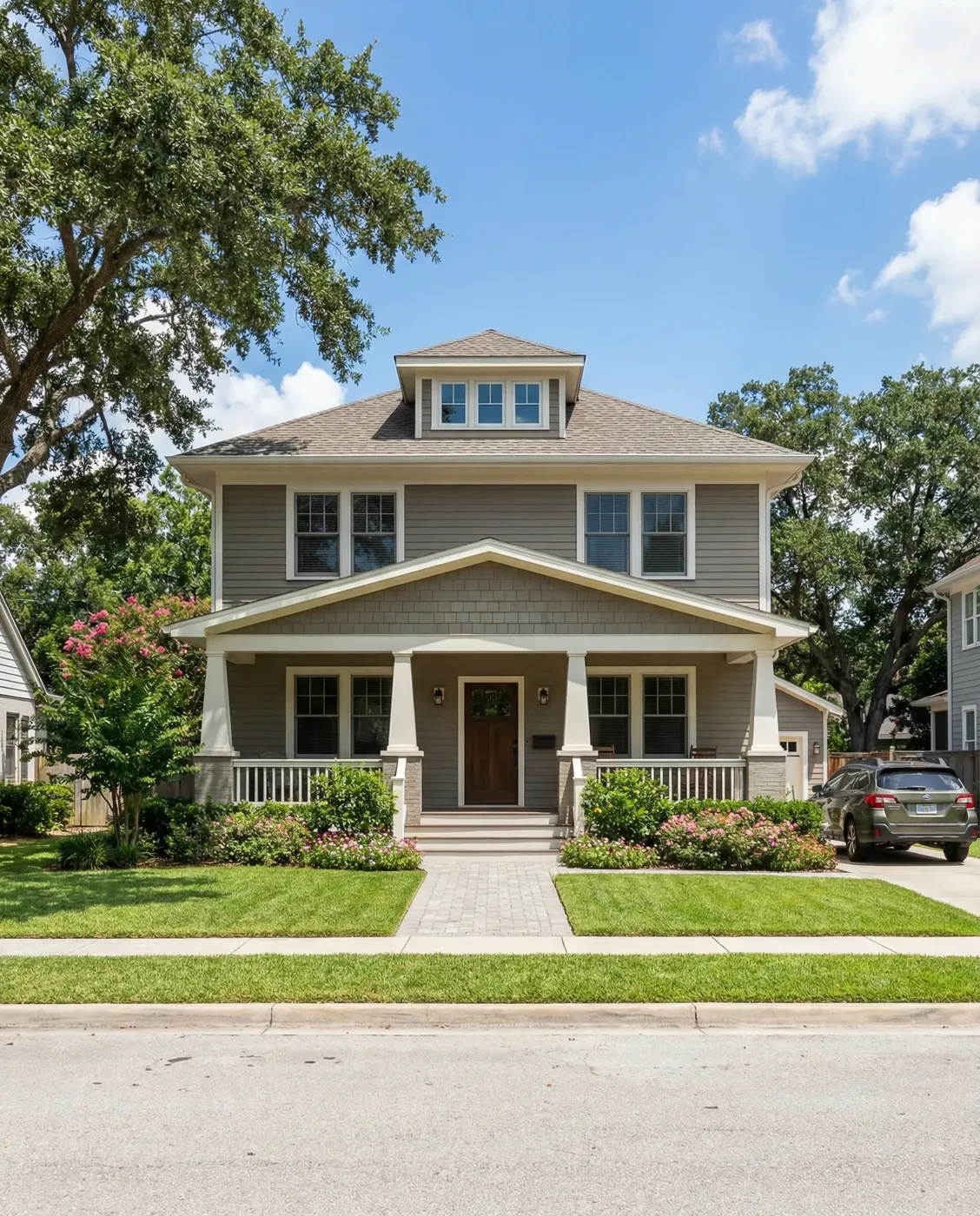 Day
DayHow it works
Three steps, in the browser. Nothing to install.
- 1
Upload the listing photo
An empty room, a cluttered room, a daytime exterior, a vacant lot or a floor plan. Phone photos and photographer files both work.
- 2
Pick the tool and options
Choose the room type and style for staging, or the look for twilight. The Generate button shows the credit cost first.
- 3
Download and disclose
Use the image in your listing, flyer or social post, and label anything virtually staged or digitally altered as your MLS requires.
What the listing tools return
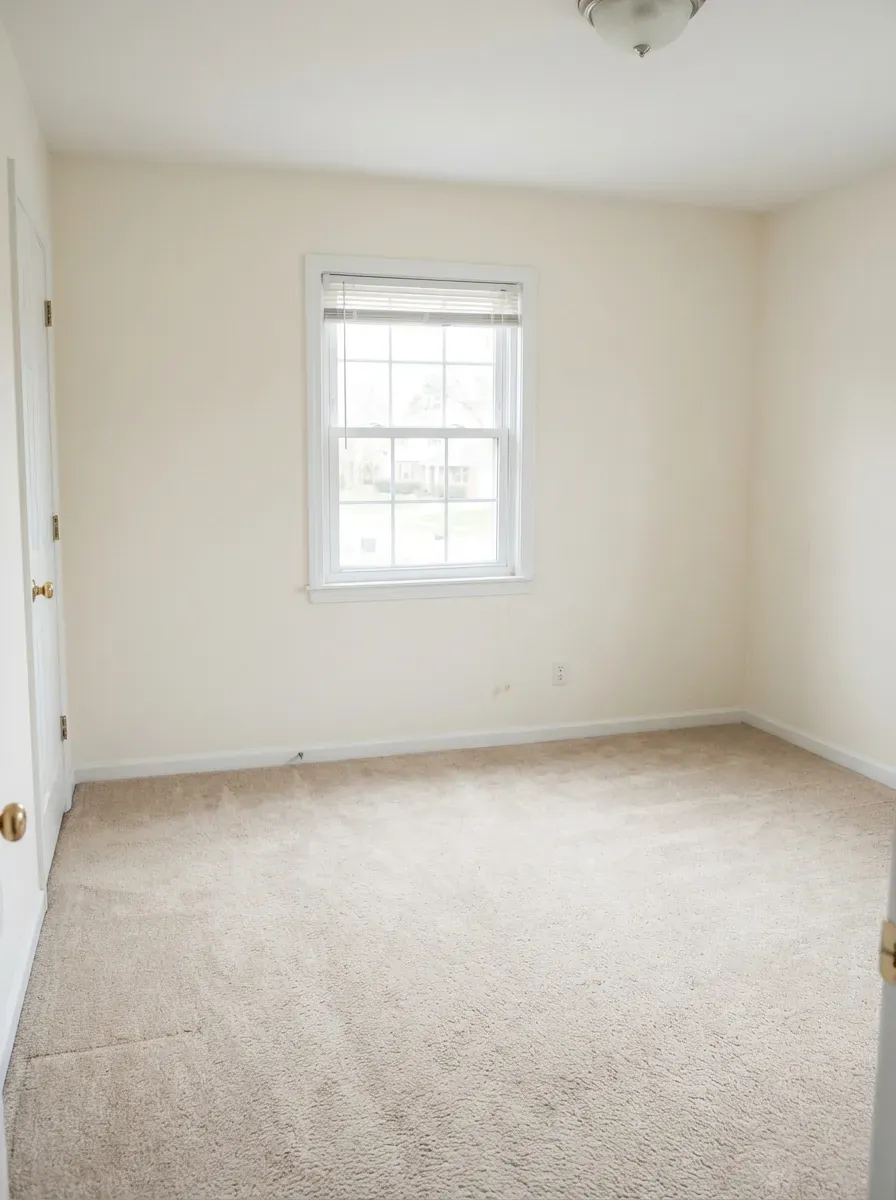
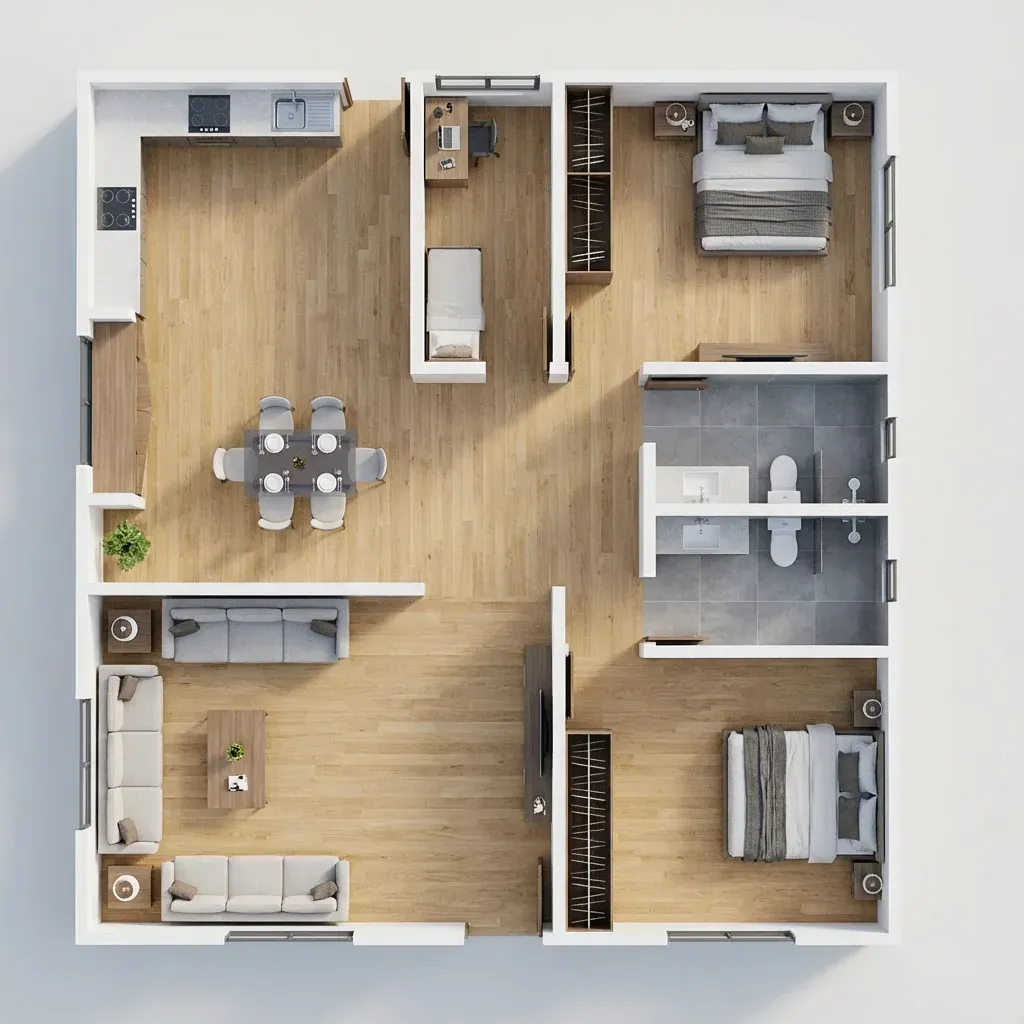
Each pair is a real input and the image a Kispo tool returned for it.
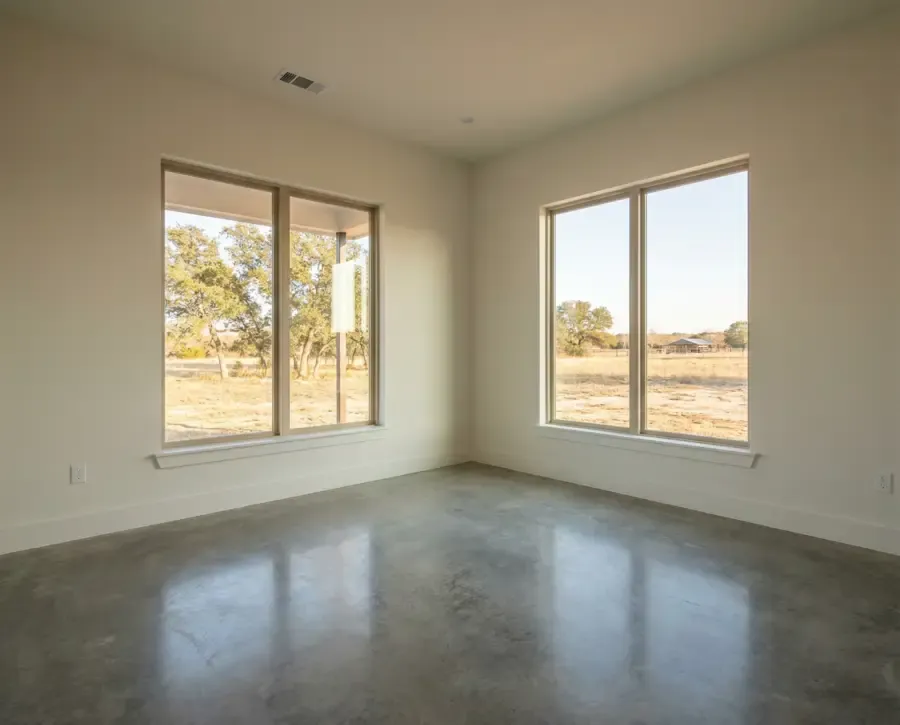 Before
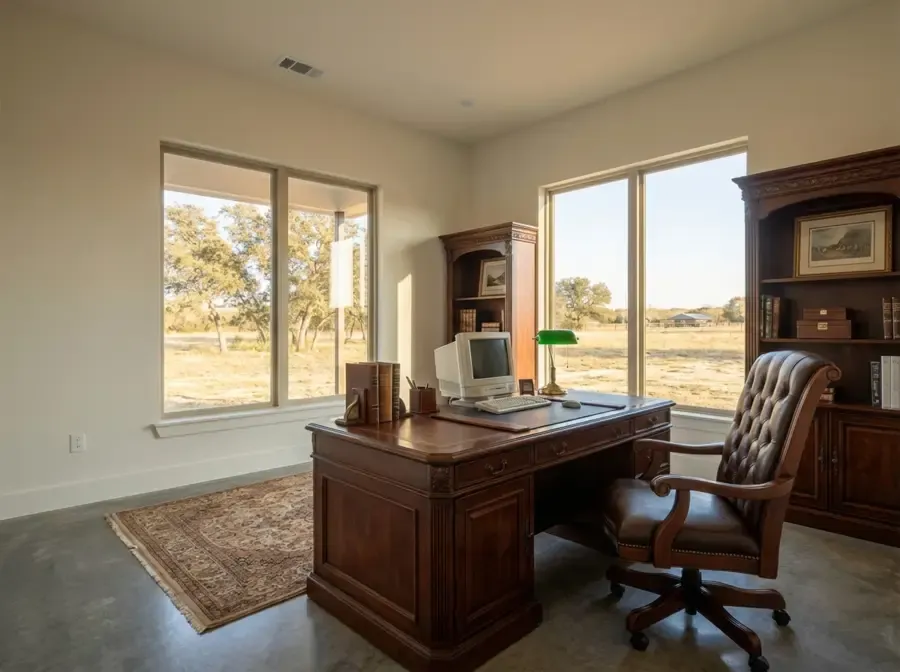 After
After Before
 After
After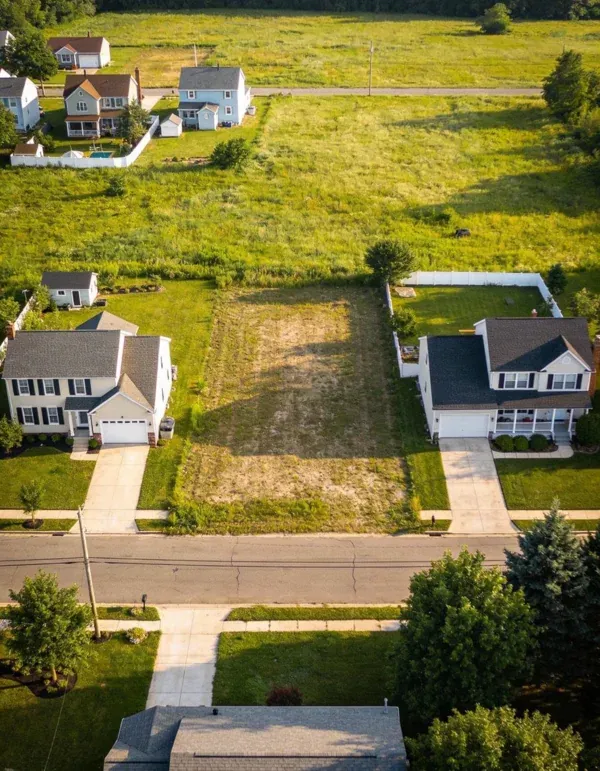 Before
 After
After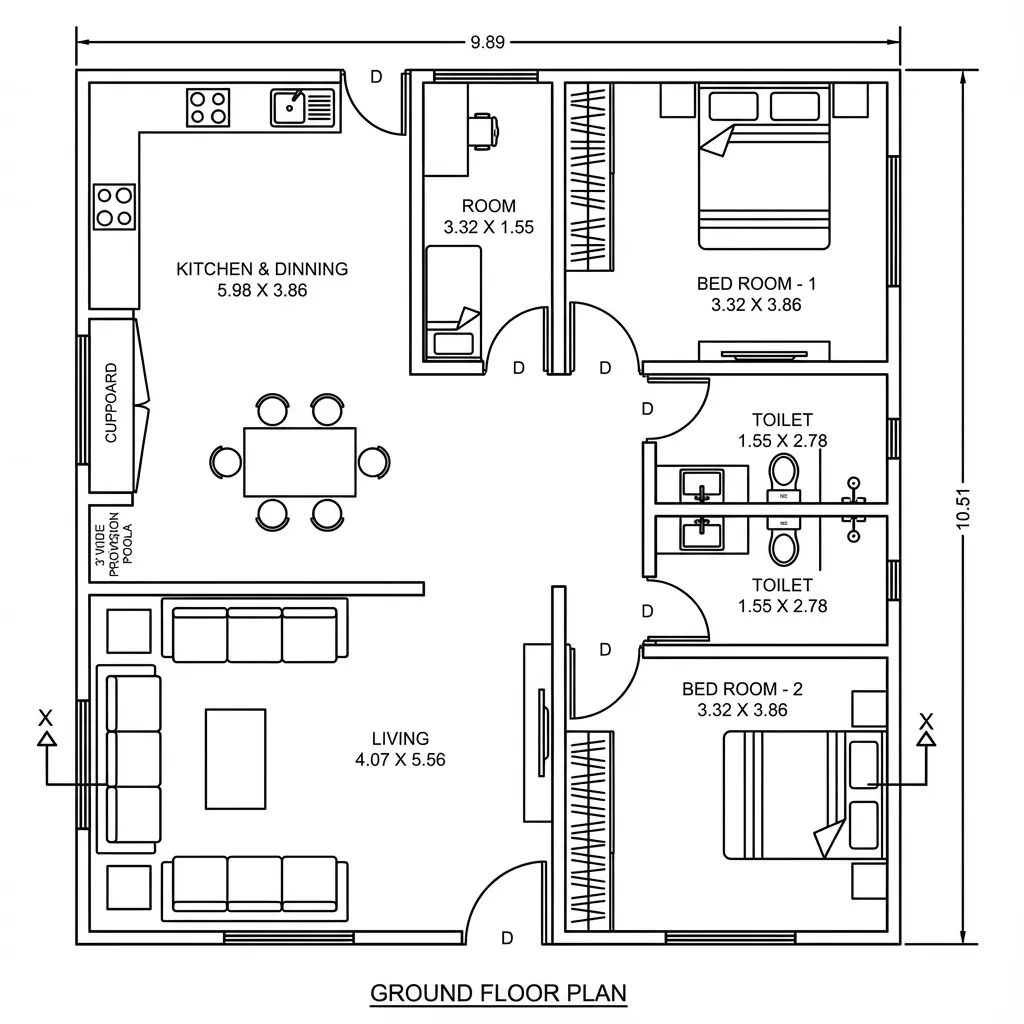 Before
 After
AfterThe Kispo tools for listings
Every tool below is live and has its own page. Photos are priced per image; video tools show their price on the Generate button.
Listing photos
Virtual Staging
You upload: a photo of an empty room
You get: the room furnished in one of 16 styles
3 credits ($0.26) per image
3 credits ($0.26) per imageTry itDeclutter Room
You upload: a photo of a cluttered or furnished room
You get: the same room with furniture and clutter removed
from 4 credits ($0.35)
from 4 credits ($0.35)Try itDay to Twilight
You upload: a daytime exterior photo
You get: a dusk shot with warm window light and an evening sky
from 4 credits ($0.35)
from 4 credits ($0.35)Try it

Property video
Property Twilight Video
You upload: a daytime exterior photo
You get: a short clip of the house going from day to dusk
shown before you generate
shown before you generateTry itHelicopter Reveal
You upload: an exterior property photo
You get: a clip of a helicopter lifting a curtain off the house
shown before you generate
shown before you generateTry itFurnish Flow
You upload: a photo of an empty room
You get: a clip of the furniture appearing piece by piece
shown before you generate
shown before you generateTry itCinematic Walkthrough
You upload: one exterior or interior render
You get: a short scored walkthrough film in 9:16 or 16:9
Built for renders, so it suits new builds and pre-construction listings best.
shown before you generate
shown before you generateTry it
Floor plans
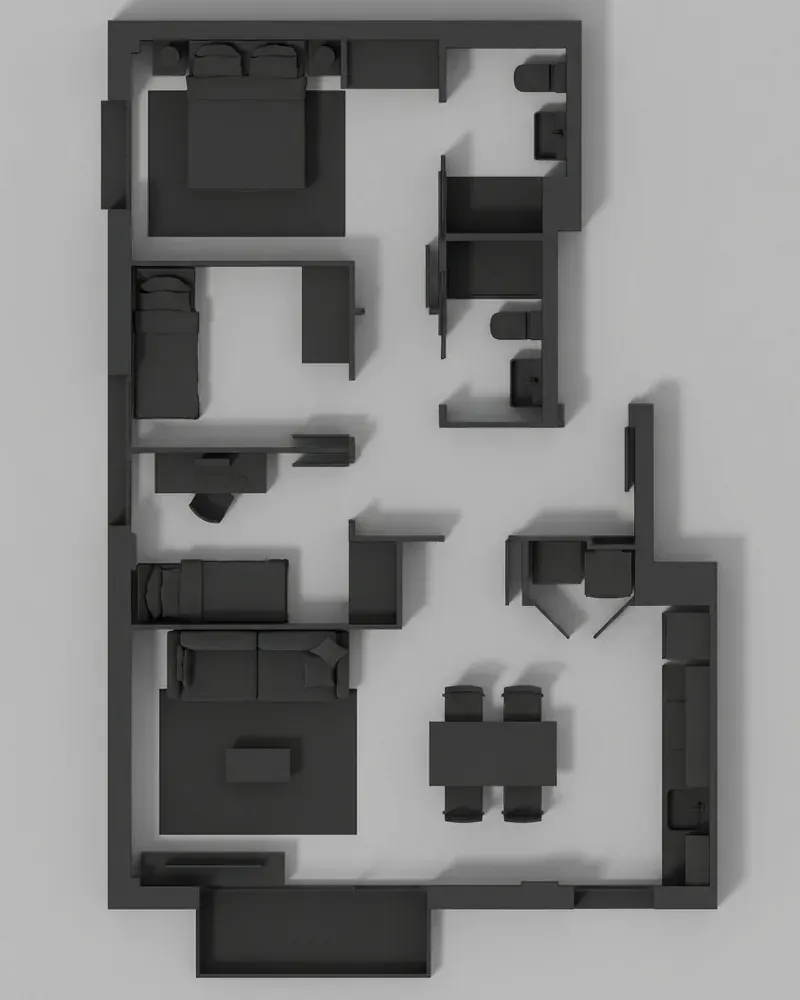
Plan to Life
You upload: a 2D floor plan
You get: a furnished, styled 3D view of the plan
4 credits ($0.35) per image
4 credits ($0.35) per imageTry itPlan to Model
You upload: a 2D floor plan
You get: a 3D axonometric view in a model style
4 credits ($0.35) per image
4 credits ($0.35) per imageTry itPlan Elevate
You upload: a 2D floor plan
You get: a video of the plan rising into a furnished 3D space
shown before you generate
shown before you generateTry it
Exteriors and land
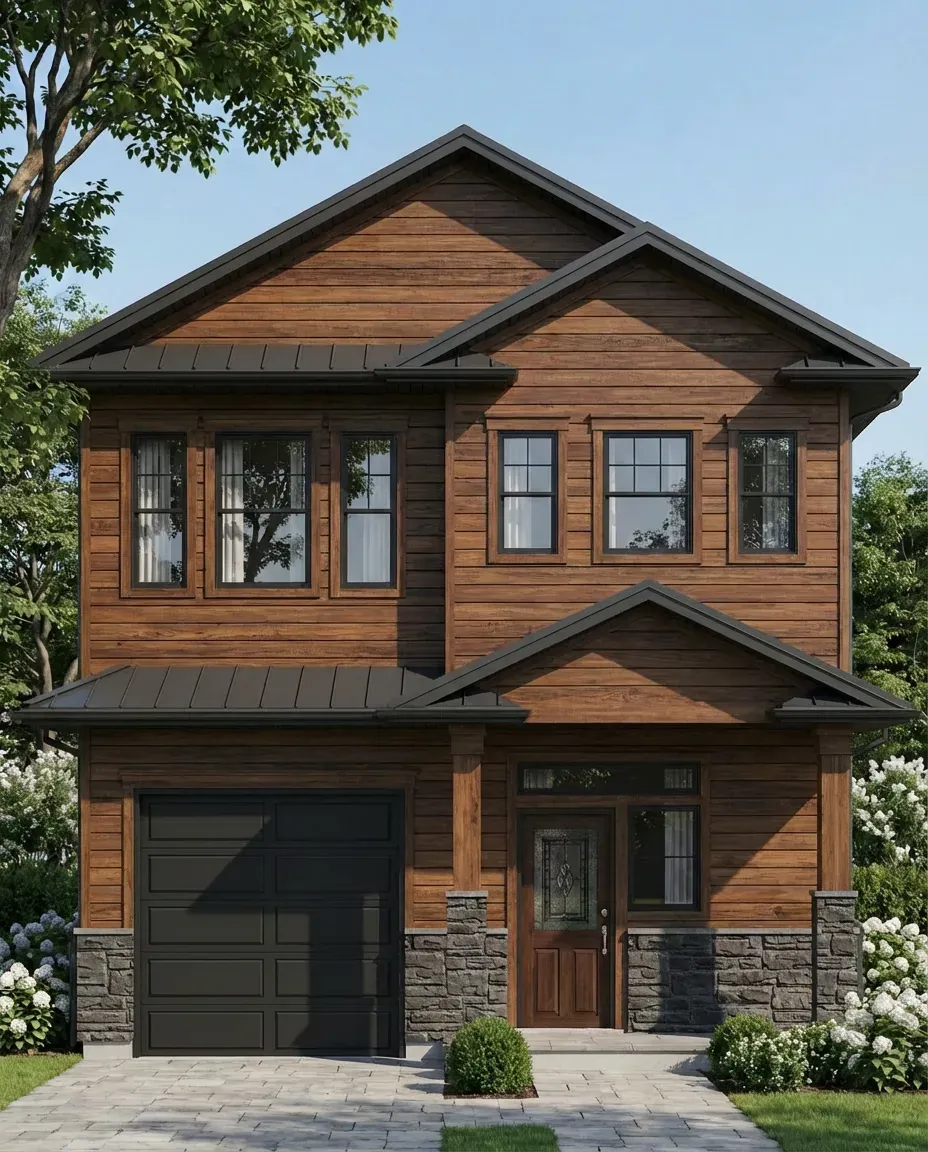
Colour Scheme Designer
You upload: a photo of the house
You get: 1 to 7 repainted colour schemes with paint names
4 credits ($0.35) per scheme
4 credits ($0.35) per schemeTry itFacade Restyle
You upload: an exterior image and a material reference
You get: the same house in new facade materials
from 4 credits ($0.35)
from 4 credits ($0.35)Try itLand Vision
You upload: a photo of a vacant lot
You get: the lot with a concept building in a chosen region and style
from 4 credits ($0.35)
from 4 credits ($0.35)Try it
Who it is for
- Listing agents
- Stage vacant rooms, add a twilight hero shot and post a short video without booking another shoot.
- Brokers and teams
- One shared credit balance covers photos, plans and video for every listing in the office.
- Real estate photographers
- Offer staging and twilight as add-ons on photos you already delivered.
- Land sellers and developers
- Show what a vacant lot could hold, labelled clearly as a concept. Land Vision
Where AI helps in real estate marketing
AI is good at a handful of listing jobs. It is not a replacement for an honest photograph of the property.
- Vacant rooms. Buyers struggle to read scale in an empty room; a staged version shows how furniture fits.
- Time of day. A twilight exterior can be made from a daytime photo instead of a second evening shoot.
- Layouts. A furnished 3D view of the floor plan explains the flow of a home faster than a line drawing.
- Potential. A vacant lot or a dated exterior can be shown with a concept, as long as it is labelled as one.
- Video. Short clips made from existing photos give you something to post without a videographer.
Disclose virtually staged photos
Most MLSs, and many state rules, expect digitally altered listing photos to be labelled. Check yours before you publish.
- Label staged or altered images, for example “Virtually staged” in the caption or on the image.
- Keep the original photo. Many MLSs ask for it to be shown next to the staged version.
- Do not use AI to hide defects or change permanent features such as views, walls, floors or the condition of the roof or lawn.
- Kispo does not add a disclosure label for you, so add your own before uploading to the MLS.
What it costs
Credits are shared across every Kispo tool, so one balance covers photos, plans and video.
| Plan | Per month | Credits |
|---|---|---|
| Starter | $9 | 100 |
| Pro | $29 | 350 |
| Studio | $99 | 1100 |
| Studio Pro | $199 | 2250 |
Plans start at $9/month for 100 credits. One-off packs start at $5 for 50 credits. The Generate button shows the credit cost before anything runs. See full pricing
Questions people ask
Is there free AI for real estate on Kispo?
There is a cheap way in rather than a free tier. New accounts start with 0 credits; a one-time $1 trial buys 14 credits with no subscription, which covers 4 virtually staged photos at 3 credits ($0.26) each. Plans start at $9/month for 100 credits.
How much does AI virtual staging cost?
3 credits ($0.26) per staged image. You can ask for up to 10 style variations of one room in a single run, and each variation is charged at that rate.
Do I have to disclose virtual staging on the MLS?
In most markets, yes. Many MLSs require virtually staged or digitally altered photos to be labelled, and some require the original photo alongside. Rules differ by MLS and state, so check yours. Kispo does not label images for you.
Can Kispo make listing videos from photos?
Yes. Property Twilight Video turns a daytime exterior into a day-to-dusk clip, Helicopter Reveal shows a helicopter lifting a curtain off the house in an exterior photo, and Furnish Flow animates furniture into an empty room. Cinematic Walkthrough makes a longer film but is built for renders rather than phone photos.
Can it turn a floor plan into 3D for my listing?
Yes. Plan to Life returns a furnished 3D view of the plan, Plan to Model returns a 3D model-style view, and Plan Elevate makes a short video. They reconstruct the layout from the drawing; they do not measure it, so check rooms against the original plan.
Does Kispo write listing descriptions or price homes?
No. Kispo is a visual tool for photos, floor plans and video. It does not write listing copy, estimate values, run a CRM or answer leads.
Go deeper
- Virtual stagingFrom 3 credits ($0.26) per image
- Virtual staging price comparisonHow per-image prices compare
- Floor plan to 3D modelImage route or editable geometry
- AI room design
- AI landscape design
- AI floor plan generator
- AI house exterior design
Stage your next listing tonight
Upload one empty room and see it furnished. 14 credits for $1, no subscription is enough for 4 staged photos.